Was this helpful?
Serial Number Location | Bose QuietComfort Ultra Earbuds
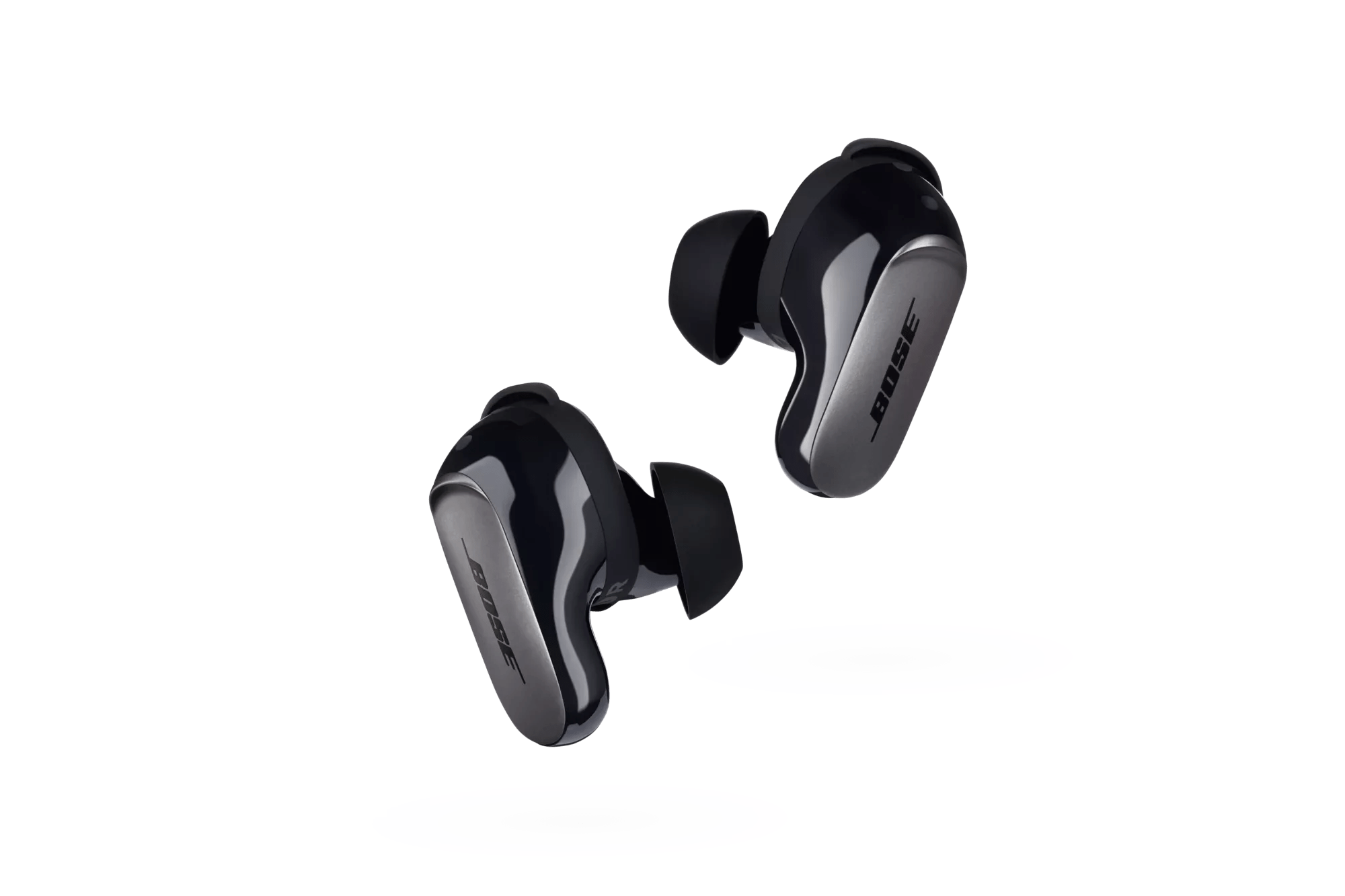
QC Ultra Earbuds serial number locations
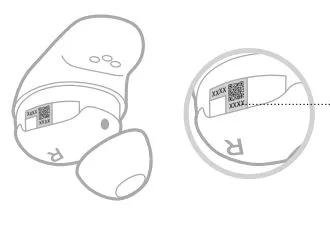
View the Earbud Date Code
Remove the stability band from the earbud. The date code is located on the earbud in the wide area near the microphone.
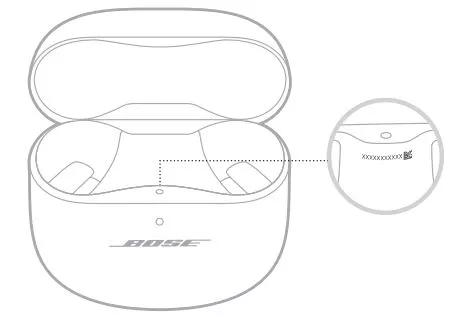
View the Charging Case Serial Number
Remove the earbuds from the charging case. The charging case serial number is located below the earbuds status light inside the earbud well.
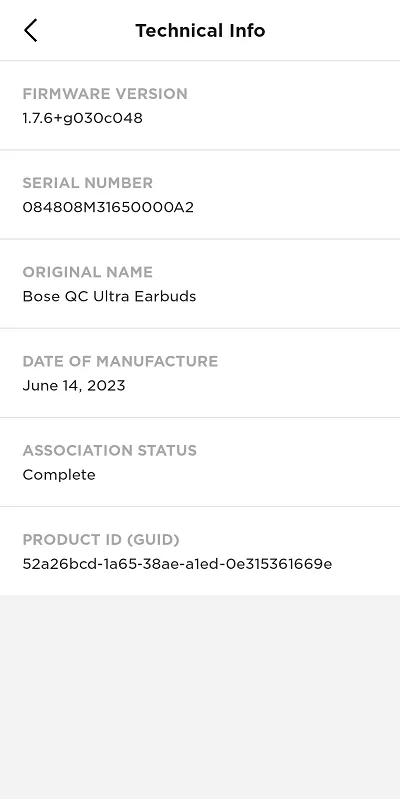
Checking the Serial Number in the Bose App
In the Settings menu, click "Technical Info" to see the serial number.
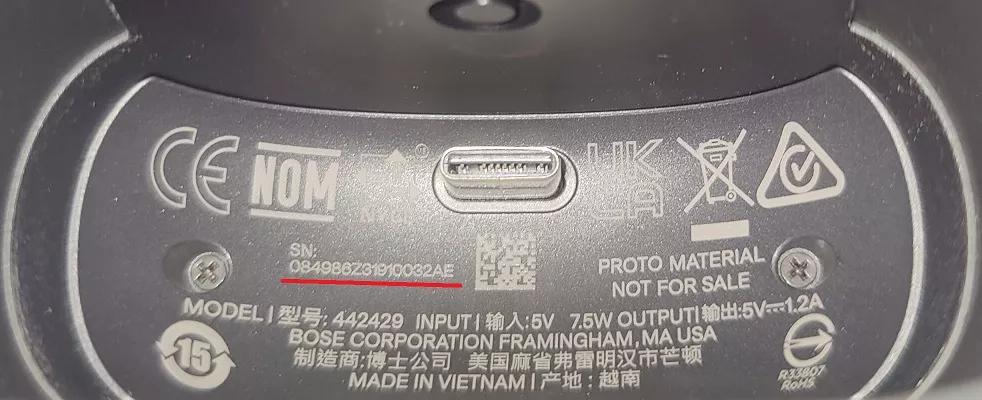
Bose Wireless Charging Case Cover Serial Number Location
- Hold the bottom third of the case cover.
- Open the earbuds case lid.
- Grasp the lid at the back (near the hinge) and at the front of the lid.
- Lift the earbuds case up and out of the case cover.
- The 17-digit serial number is located to the left of the USB-C connector.
Taking a picture and zooming in on the image can help in viewing the serial number (underlined above).
