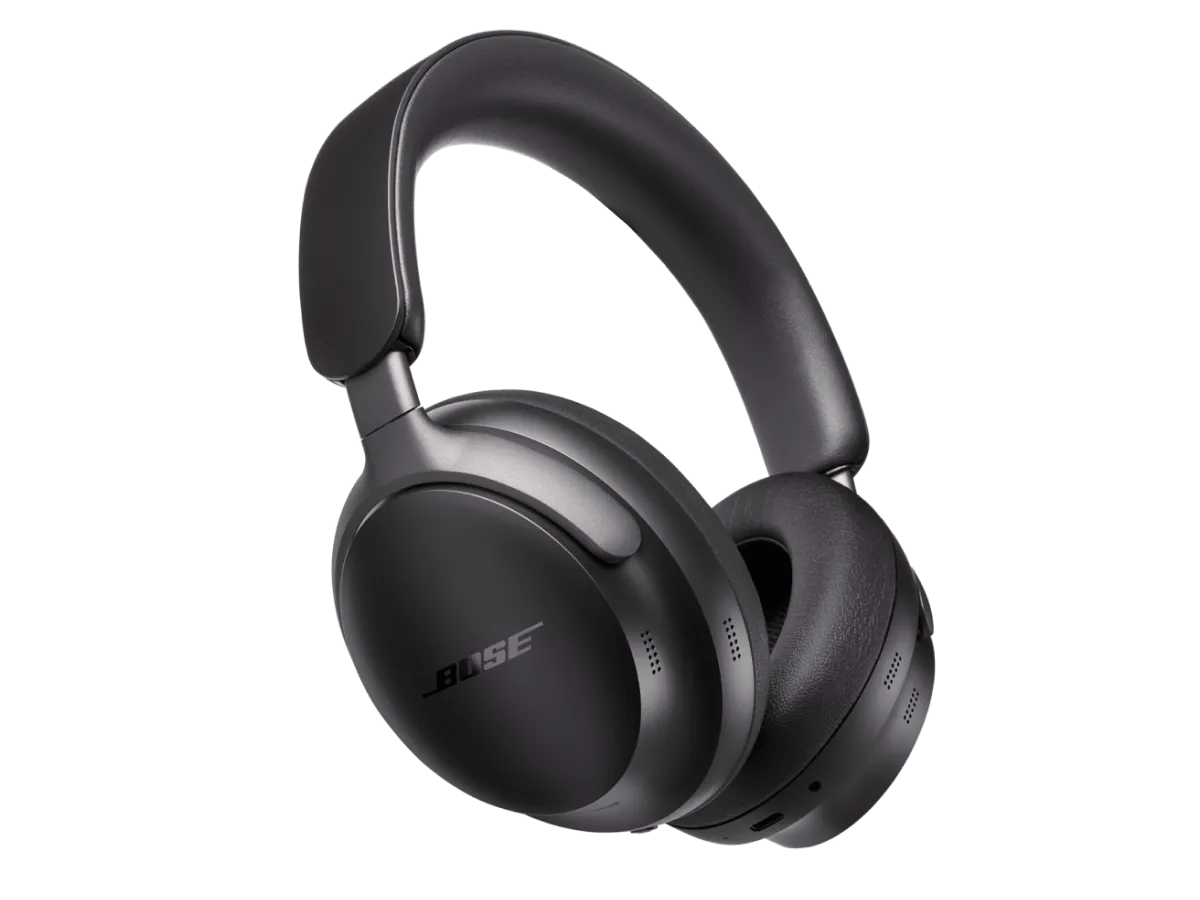
Determine if the problem is specifically related to bass performance.
Reboot your headphones.
This reset will not erase your product settings.
- If the USB charging cable or audio cable is connected to your headphones, disconnect it.
- Connect a USB charging cable and charger to a power outlet. You can also connect the USB cable to a USB port on a computer that is powered on.
Note: Do not connect your headphones to the USB cable yet. - On your headphones, press and hold the Power/Bluetooth® button.
- While continuing to hold the button, connect the USB cable to the left earcup. The Power light on your headphones will quickly blink twice.
- Once connected, wait two seconds and then release the Power/Bluetooth button.
Tip: If your headphones don't respond after this, reset them a second time.
Try a different app.
If the issue only occurs with a particular app, it is likely related to the app or app settings.
Try playing different types of media.
Different media types might produce different quality sound. For example, Podcasts, music stored locally on your phone, MP3s, streaming music services (Spotify, Pandora), videos on your device or stored in the cloud, etc. can all vary in quality. Try different media to determine if the issue is specific to certain media.
If connected, bypass any adapters or extension cables.
If your product connects to the device using an extension cable or adapter, disconnect the extension cable or adapter to determine if the issue is related to it.
Check the condition of the headphone cable.
If the plug or any part of the cable is damaged, replace the headphone cable.
Determine if the headphones are grouped with a Bose smart speaker.
When grouped with a Bose smart speaker, the headphone volume adjustment in the Bose app is limited. This is done to prevent the smart speaker listener from inexplicably raising the headphone's volume to a level that could cause the headphone wearer discomfort or potential hearing damage. If the wearer of the headphones desires a louder listening level than what the app allows (while grouped), they must use the touch volume control on the right ear cup of the headphones.
Check for and install any available product updates.