Was this helpful?
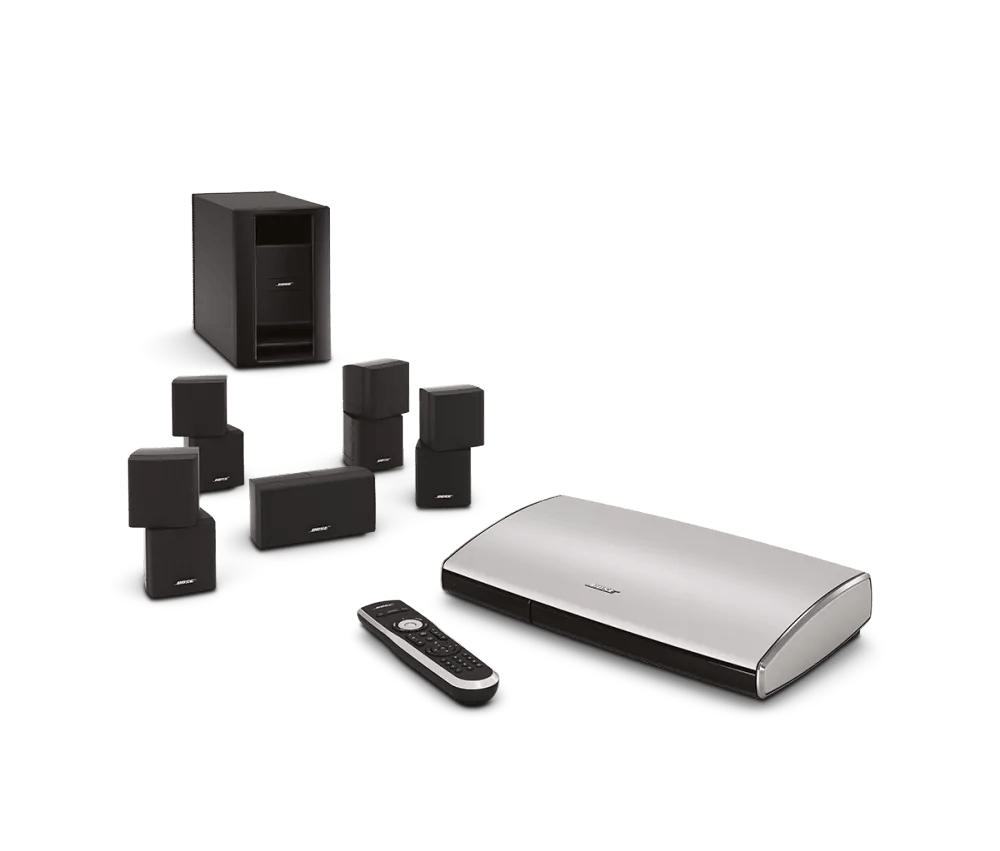
Resetting your product | Lifestyle® T20 home theater system
Resetting your system
What part would you like to reset?
The System
- Turn the system off. Wait 30 seconds.
- Unplug both the control console and Acoustimass module power cords from the power outlet.
- Unplug the audio input cables from both the control console and Acoustimass module. Wait 30 seconds.
- Reconnect the audio input cables to the Acoustimass module and control console.
- Reconnect the Acoustimass module and control console power cords.
- Retest the system.
The Console
- Turn the control console off.
- On the control console, press and hold Power for five seconds. The red LED will turn off.
- Release the Power button.
- Retest the system.
Note: It is not necessary to remove the power cord from the control console.
Advanced Troubleshooting
If the standard reset does not resolve your issue, try the Factory Reset/Default
Restore Factory Settings
What part of the system would you like to Factory Reset?
The System
Note: With the exception of the ADAPTiQ audio calibration settings, this reset erases all settings and returns your system to its default out-of-box state.
- Power off your system.
- On the back of the system console, disconnect the power cord.
- On the front of the system console, simultaneously press and hold the Source and the Volume - buttons and, while holding them, reconnect the power cord.
- Continue holding the buttons until the Bose logo appears twice on the TV screen.
- Re-pair the remote control with your system. For more info, see Pairing the remote control to your system.
The Remote Control
Note: This reset erases all settings and returns your product to its default out-of-box state. Once reset, you'll need to re-pair your remote to your system. For more instructions, see Pairing the remote control to your system.

- On the remote control, simultaneously press and hold these three buttons for at least ten seconds: the OK and Dash (-) buttons on the front, and the Glow button on the back.