Checking the remaining battery charge | Bose S1 Pro+ Portable Bluetooth Speaker System
bose-s1-pro+-portable-bluetooth-speaker-system
Bose S1 Pro+ Portable Bluetooth Speaker SystemSold from 2023

Checking the remaining battery charge | Bose S1 Pro+ Portable Bluetooth Speaker System

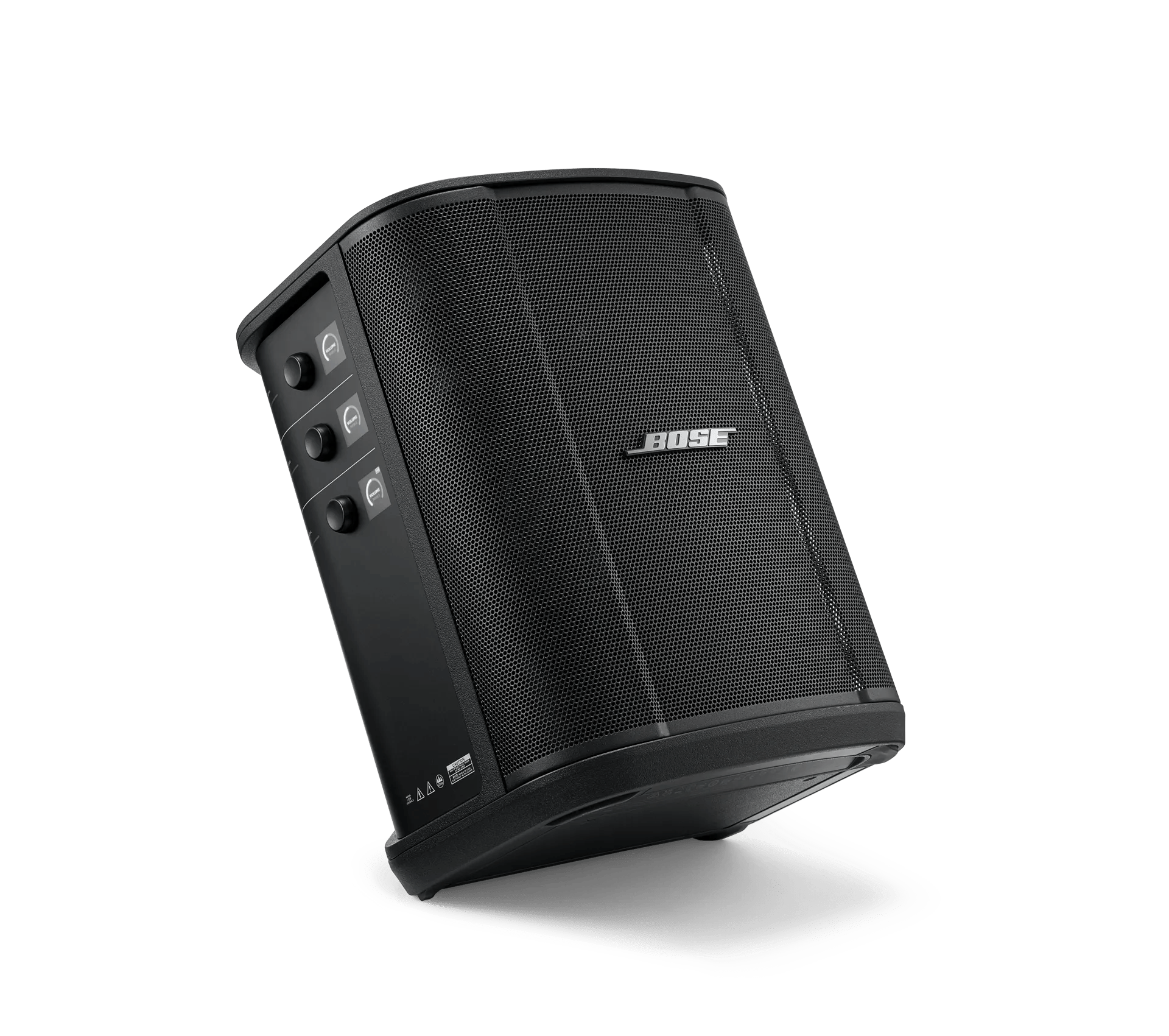
To check the battery charge level of the speaker, view the icon shown in the display of channel 3.

In the upper-right corner of the channel 3 display, one of the icons shown below indicates the corresponding charging state and battery charge level.
 

Icon

Indicates

\"four-bar

67 to 100% charge remaining. Not charging

\"three-bar

34 to 66% charge remaining. Not charging

\"two-bar

10 to 33% charge remaining. Not charging

\"exclamation

0 to 9% charge remaining. Not charging

\"lightning

Charging. Level between 67 and 100%

\"lightning

Charging. Level between 34 and 66%

\"lightning

Charging. Level between 10 and 33%

\"lightning

Charging. Level between 0 and 9%

To check the battery charge level a wireless transmitter, view the icon shown in the display of channel it is plugged into.

In the upper-right corner of the channel 1 or 2 display, one of the icons shown below indicates the corresponding charging state and battery charge level. of a paired wireless transmitter. They briefly appear as full-screen overlays, except for the lightning bolt icon, which will always appear while charging the transmitter.
 

Icon

Indicates

\"four-bar

67 to 100% charge remaining. Not charging

\"three-bar

34 to 66% charge remaining. Not charging

\"two-bar

10 to 33% charge remaining. Not charging

\"exclamation

0 to 9% charge remaining. Not charging

\"lightning

Charging. Level between 67 and 100%

\"lightning

Charging. Level between 34 and 66%

\"lightning

Charging. Level between 10 and 33%

\"lightning

Charging. Level between 0 and 9%

\"lightning

Charging
