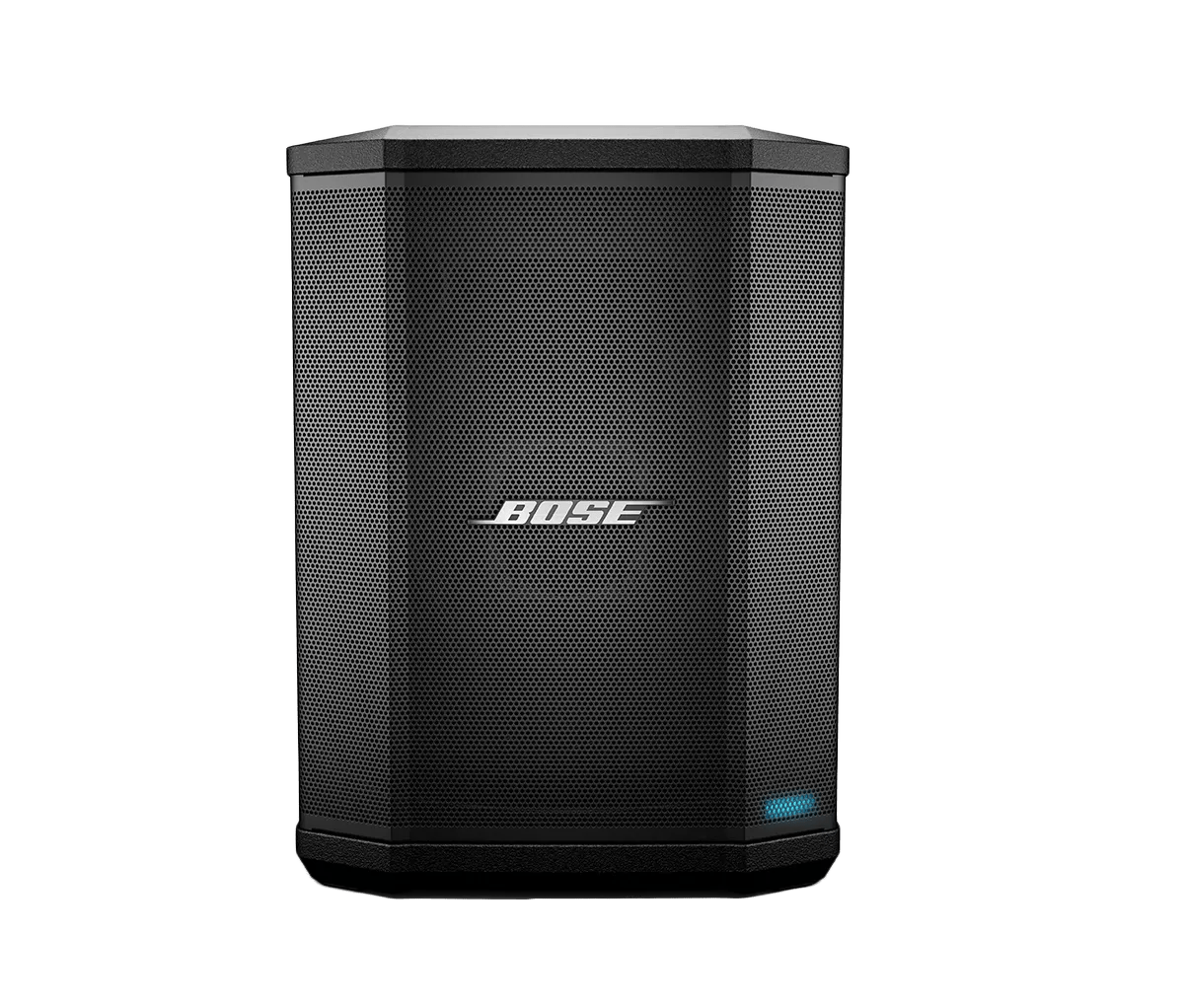
Clear your Bose product memory of previously-connected Bluetooth® devices.
On the Bluetooth® device, remove all entries of your Bose product from the Bluetooth menu. Then, try connecting again.
In the Bluetooth menu of the Bluetooth device, you'll find a list of Bluetooth products that have been previously connected. Your Bose product might show up one or more times in the list (i.e. it might be listed a second time with \"LE\" in the name). Select each entry for your product and remove it by selecting
Forget,
Unpair,
Delete or something similar. After, try connecting again. For more info, see
Connecting a Bluetooth® device.
Check for and install any available product updates.
Plug in a different audio source.
Connected a different audio source to determine if the issue is related to the source: If audio is being sent to your system from a a microphone, try a different microphone; if an instrument is connected, try a different instrument.
Try a different output on the mixer or audio source.
If the audio source has more than one output (i.e. a mixer with main and aux outputs), connect to another output with the same cables to determine if the output is the issue.
Reset your product.
Much like rebooting a smartphone, your product might need to be reset on occasion to correct minor issues. For more information, see
Resetting your product.
Reboot the connected device.
Electronics might need to be reset from time-to-time—much like rebooting a computer. Power off the device, then power it back on and try again.
Replace the input cables.
Try different input cables using the same source and same channel. If this solves the problem, the original cables may be defective.
Try a different powered speaker or sound system.
If available, connect a to different powered speaker to determine if the issue is related to the audio source or connecting cables.
Plug in to a different input on your product.
Determine if the issue is related to a particular input by connecting the audio source to a different input using the same audio source and cable(s).
Check if the system LEDs flash on and off.