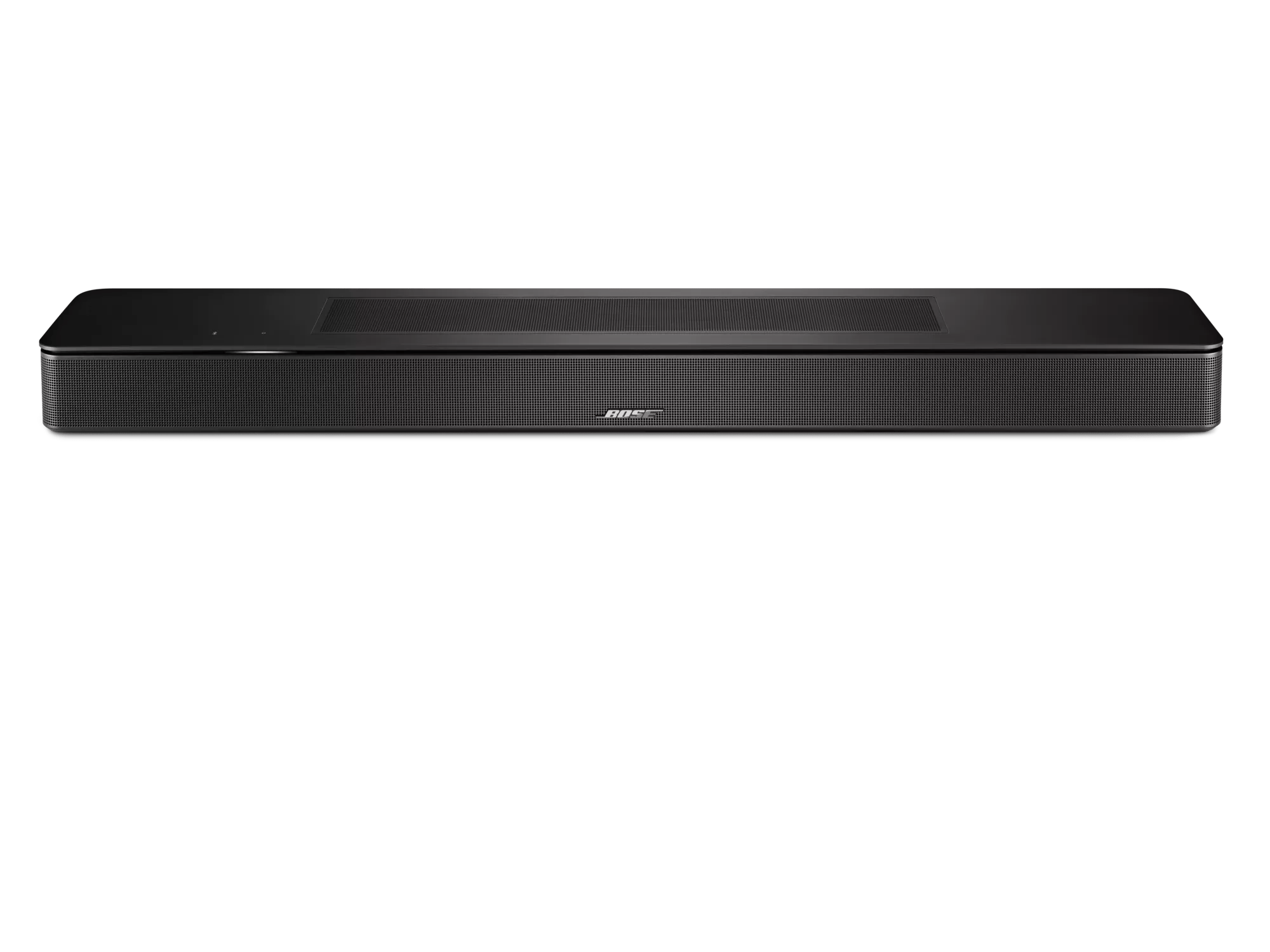


| Color | Status | Info | |
|---|---|---|---|
 | White | Pulsing | System is rebooting |
 | White | Pulsing fast | Connecting to a Bluetooth device or to a Wi-Fi network |
 | White | Slides to center, pulses twice | Request confirmed (for system setting change) |
 | White | Left side flashes | Volume down command received. If volume button is held, the light stays lit while held |
 | White | Right side flashes | Volume up command received. If volume button is held, the light stays lit while held |
 | White | Left side glows | Audio muted |
 | White | Both sides glow | Audio paused |
 | White | Slides right to left | Downloading system update |
 | White | Slides left to right | Updating system |
 | Blue | Pulsing | Ready to connect Bluetooth device |
 | Amber | Flashes four times | Source error. See Bose app for info |
 | Amber | Solid | Setup mode / ready to connect to Wi-Fi |
 | Green | Pulsing | System ready for setup or entering Recovery mode |
 | Red | Solid | System error. See Light bar is red for troubleshooting |
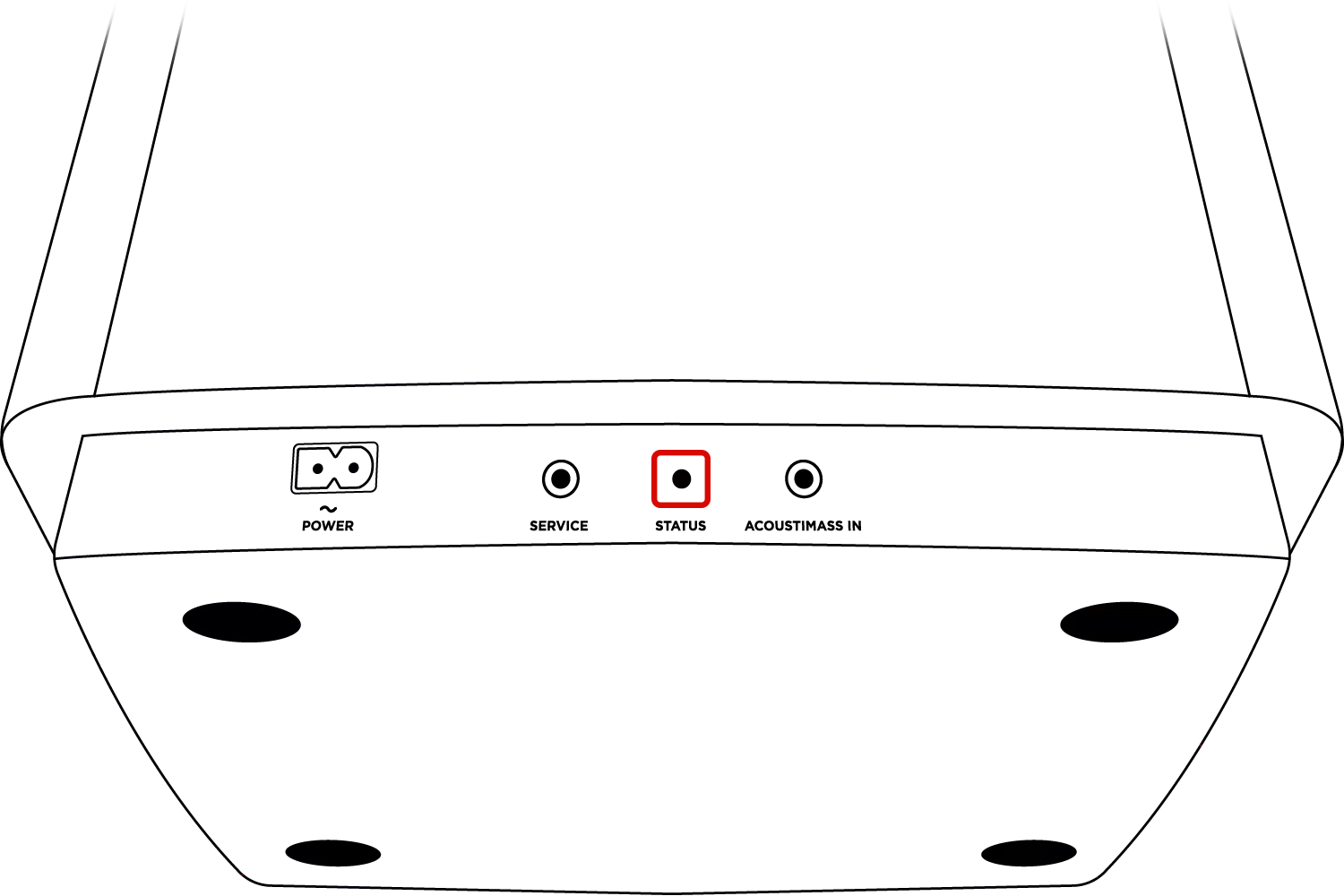

Power-saving mode

Ready to pair

Disconnected from the soundbar or control console

Connected to soundbar or control console

Downloading system update
Unknown error. Bass module requires service
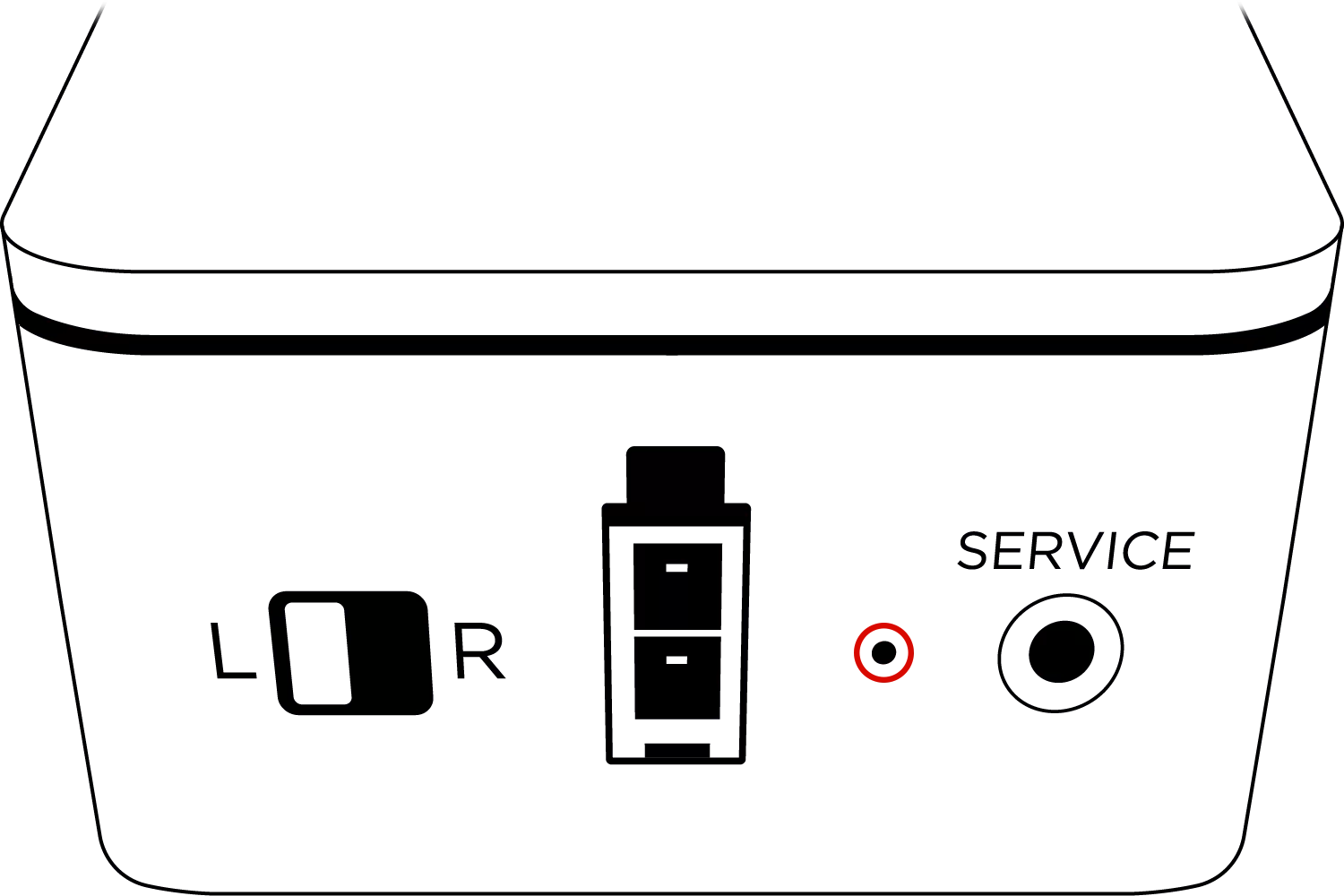
Ready to pair
Disconnected from the soundbar or control console
Connected to soundbar or control console
Downloading system update

Firmware error

