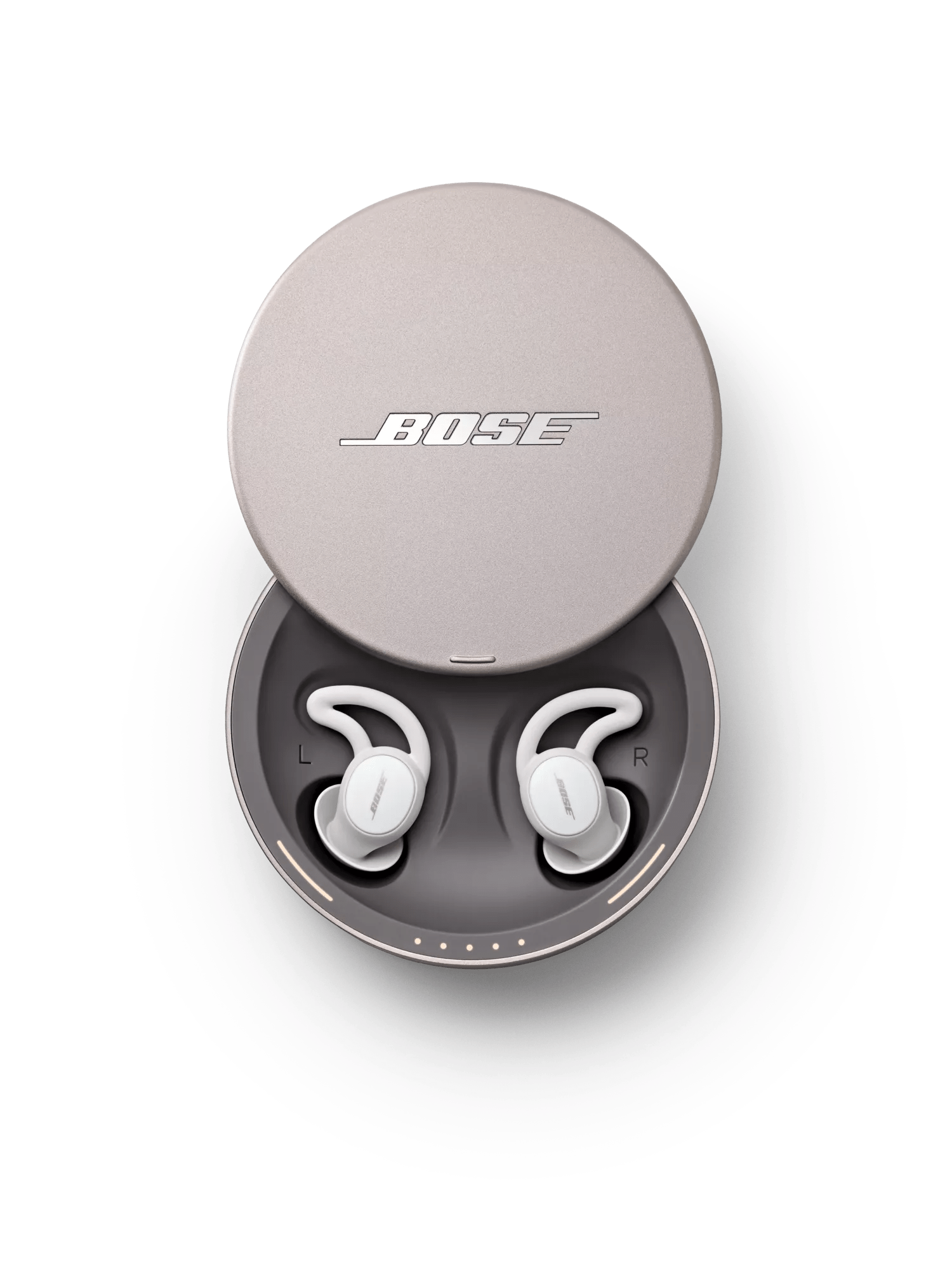
Put your Sleepbuds in the charging case for a few seconds, then remove them.
During an update, the Sleepbuds power off. Once updated, they just need to be reactivated by briefly putting them in the charging case, then removing them.
Put your Sleepbuds in the charging case, then connect the case to a power outlet.
When your Sleepbuds are in the charging case, the case makes sure they stay charged, which uses uses the battery in the case. If the battery level of the case fully drains, your Sleepbuds won't charge and might not wake when you remove them from the case. Connect the case to a charger, then remove your Sleepbuds from the case to wake them.
Tip: If your case doesn't need to be unplugged from power (i.e. if you keep the case in the same spot), keep it connected to power. This way, when you need to bring your Sleepbuds somewhere, the case is charged.
Check the power connections at your product and at the power source.
Be sure the power connections to your product are secure both to the AC (mains) outlet and to your product.
Try a different USB cable.
Try connecting your product with a different USB cable to determine if there is an issue with the first cable.
Try a different charger.
Charge times can vary based on the charger. Chargers with a higher current rating generally charge products faster than those with a lower rating. Chargers typically list a current rating on the label in amps (A) or milliamps (mA). A current rating of 1 A / 1000 mA or higher is recommended.
Try connecting a wall outlet.
Some USB chargers, like USB ports on computers or others devices, might not output adequate power to charge your product. Instead, try connecting your product to a wall outlet using a USB charger.