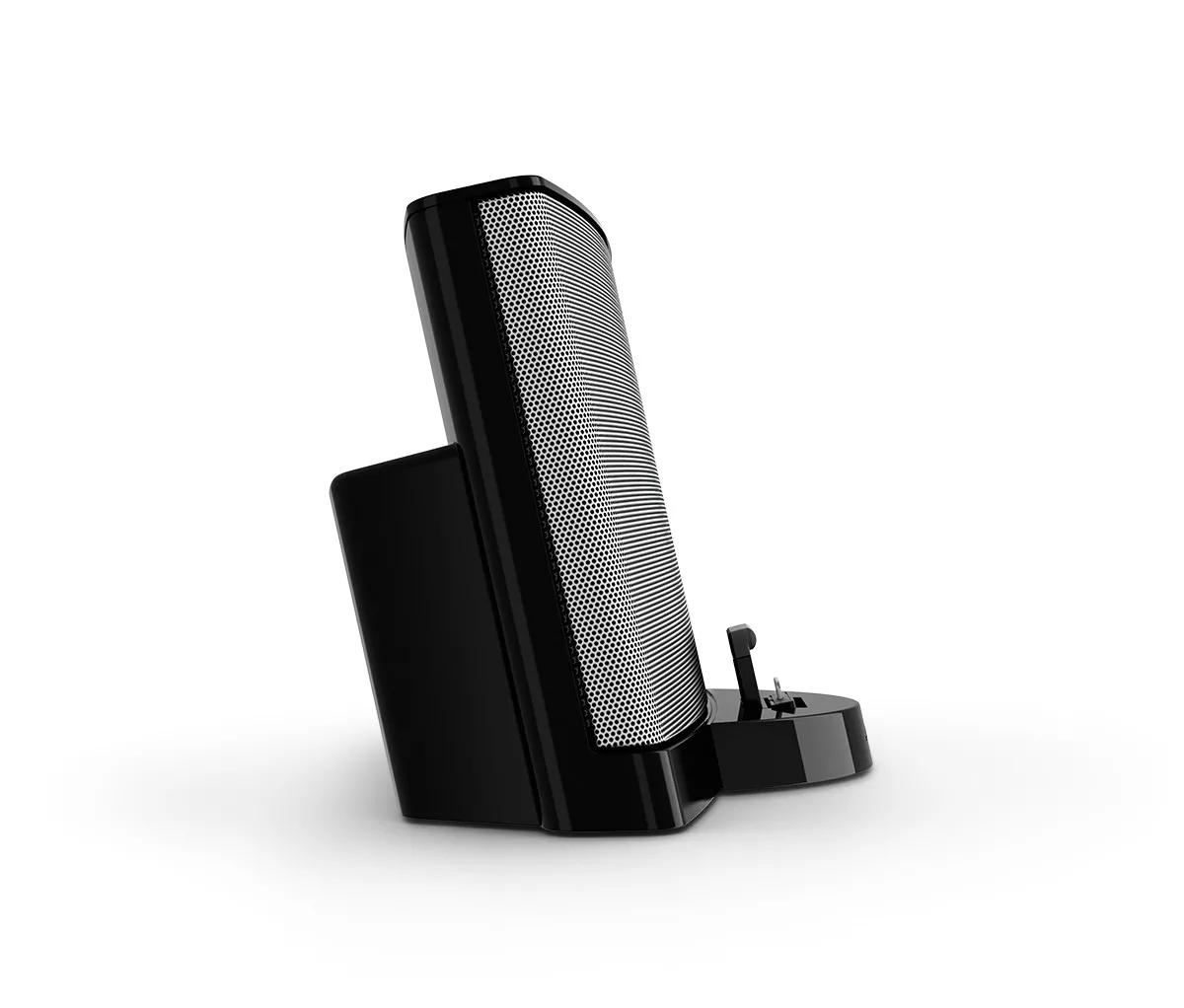
Remote is intermittent or does not control your Bose product | SoundDock® III speaker
sounddock®-iii-speaker
SoundDock® III speakerSold from 2012 - 2017

Remote is intermittent or does not control your Bose product | SoundDock® III speaker

If the plastic wrapper is still on the remote control, try removing it.

New remotes are typically wrapped in plastic. This wrapper could reduce the range of your remote, which might be more noticeable as the batteries weaken or if the wrapper is not clean.

Be sure the remote control sensor on your product is not in direct light.

If the remote sensor on your product is in a very bright area (e.g. in excessive sunlight or lighting), the light interference could affect the ability of your product to detect the IR light commands from your remote control. If there is excessive light on your product, try reducing it.

Replace the battery in the remote.

Be sure the remote is within range of the system.

The range of the remote is 20 feet

Check to see if any buttons on the remote are working.

If some buttons on the remote work and some do not work, see Certain remote control buttons do not work.

Reset your product.

Much like rebooting a smartphone, your product might need to be reset on occasion to correct minor issues. For more information, see Resetting your product.

See if the remote is sending IR signal by looking at the top edge of the remote through a camera viewfinder.

Our eyes cannot detect the IR (infrared) light produced by your remote but many digital cameras can. Look at the top edge of the remote through a digital camera (i.e. a smartphone camera), then press a button on the remote. If you do not see a flash through the camera viewfinder when a button is pressed, the remote is not sending any signal*. If you do see a flash but the remote is not working, try the other troubleshooting suggestions to help determine if the issue is the remote or something else.

*Some smartphones have IR filters on the front and/or rear cameras, which prevents them from seeing this flash. So, if you don't see a flash, try both the front and rear camera, a different camera if available, and any other troubleshooting suggestions.

Make sure the iPod is compatible with the system.

Some iPod models are not compatible. See iPod/iPhone Compatibility and Functionality Information for information on compatible iPod models