Setting the adjustable Active Noise Cancellation mode | Bose QuietComfort Earbuds
bose-quietcomfort-earbuds
Bose QuietComfort EarbudsSold from 2024

Setting the adjustable Active Noise Cancellation mode | Bose QuietComfort Earbuds

Adjusting Noise Cancelling

Noise cancellation reduces unwanted noise, providing a clearer, more lifelike audio performance. You can choose between the following noise cancelling modes.

  • Quiet (default) - Full noise cancellation with Bose-optimized audio. Allows you to block out distractions using the highest level of noise cancellation.
  • Aware - Full transparency with Bose-optimized audio. Allows you to hear your surroundings while enjoying your audio.
  • Off - Allows you to conserve battery life.

You can switch between these modes either using the touch controls, voice controls, or pressing the desired mode in the QCE app.

By default, holding either earbud for 1 second until you hear a tone will change mode, but this can be remapped in the QCE app under Noise Control
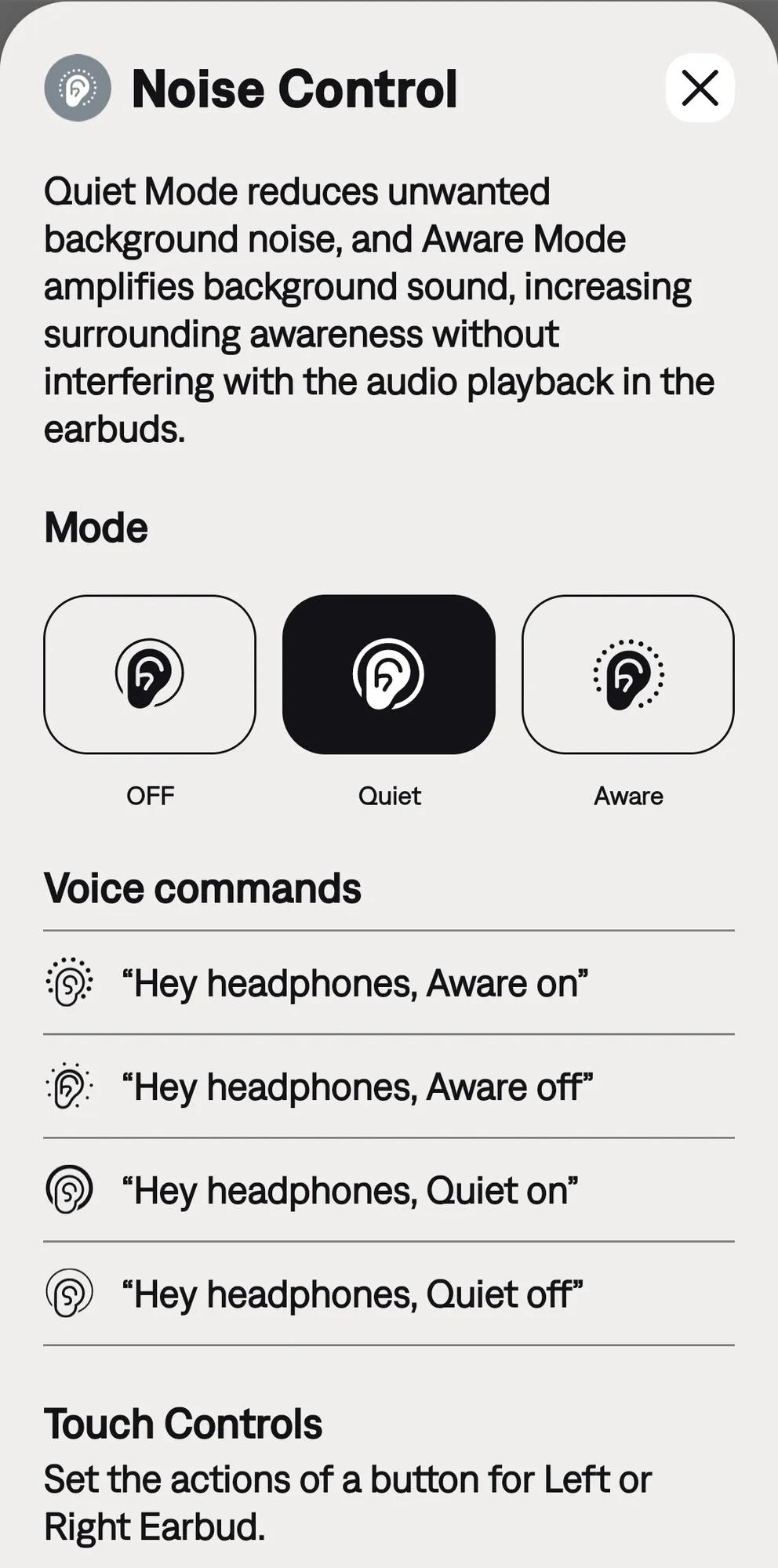
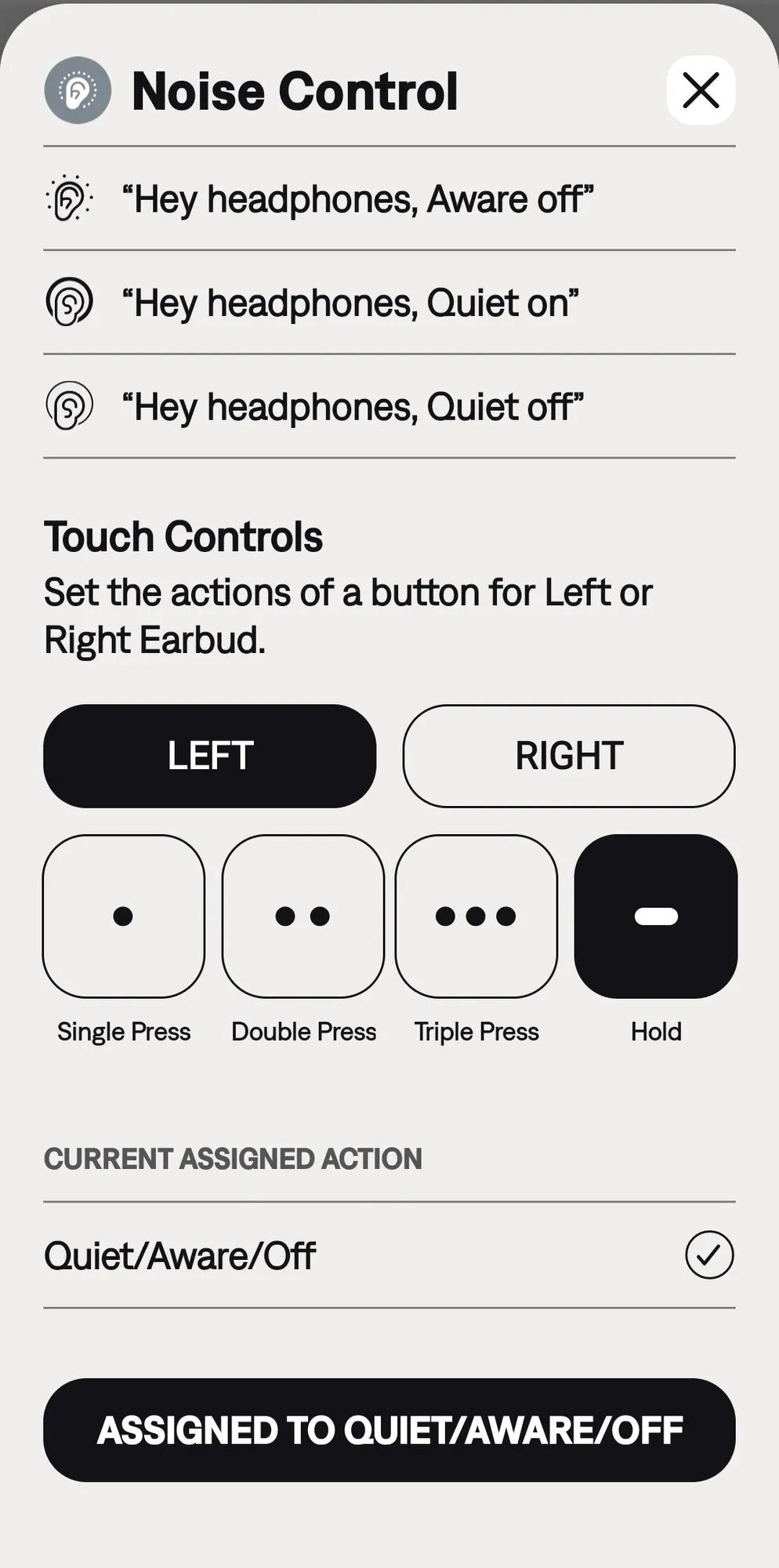
image.png image.png
