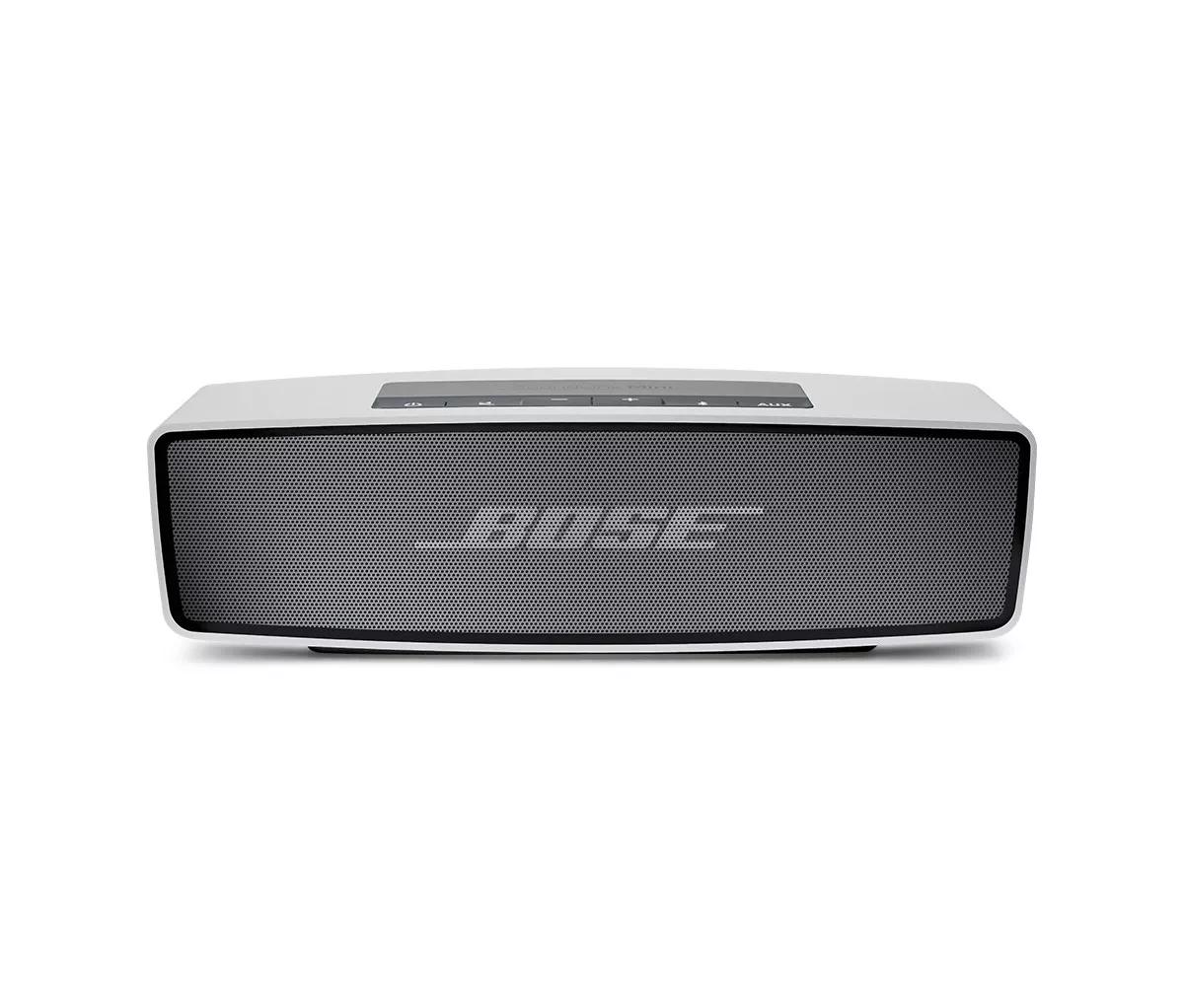
If you're using the charging cradle:
Try the following:
Disconnect and reconnect the speaker to the charging cradle.
The bottom of the speaker may not be connecting properly with the metal contacts on the charging cradle. Try removing the speaker and inspect the metal contacts. If you suspect the contacts may be dirty, disconnect the speaker and cradle from power, then clean the contacts using a cloth with a small amount of isopropyl alcohol.
When reconnecting the speaker, do your best to align the metal contacts on the bottom of the speaker with those on the charging cradle. This will ensure the speaker is sitting correctly in the cradle.
Bypass the charging cradle.
Disconnect the charging cable from the charging cradle then connect the cable directly to the speaker. If the speaker begins charging, there may be an issue with the cradle.
Check if your speakers powers on while connected to a power outlet.
Use only the Bose power supply intended for your product.
It is recommended to use only the Bose power supply included with your product. Using a third party power supply is not recommended. If it is necessary to connect a third party power supply, however, be sure the specs on the power supply match the power requirement found in your product specs.
Check if the connected power outlet is working.
When connected to power, your product plays a tone. If you plug in but don't hear a tone, try plugging in another device (i.e. a lamp) to the same power outlet to confirm the outlet works.
Try a different charger.
Charge times can vary based on the charger. Chargers with a higher current rating generally charge products faster than those with a lower rating. Chargers typically list a current rating on the label in amps (A) or milliamps (mA). A current rating of 1 A / 1000 mA or higher is recommended.
Check if a tone is heard from you product when power is connected.
Disconnect the power connection from your product for a few seconds, then reconnect it. Within a few seconds of connecting power, a tone should play from your product. If a tone is heard but your product won't power on, the issue might be with the connections or controls; if a tone is not heard, the product might not be receiving power or producing sound.
Replace the power supply.
In case there is an issue with the power supply, try replacing it. If you have a safe way to test the power supply and are comfortable doing so, you can check if the power supply is supplying the voltage shown on the power supply label. It is not, replace it..