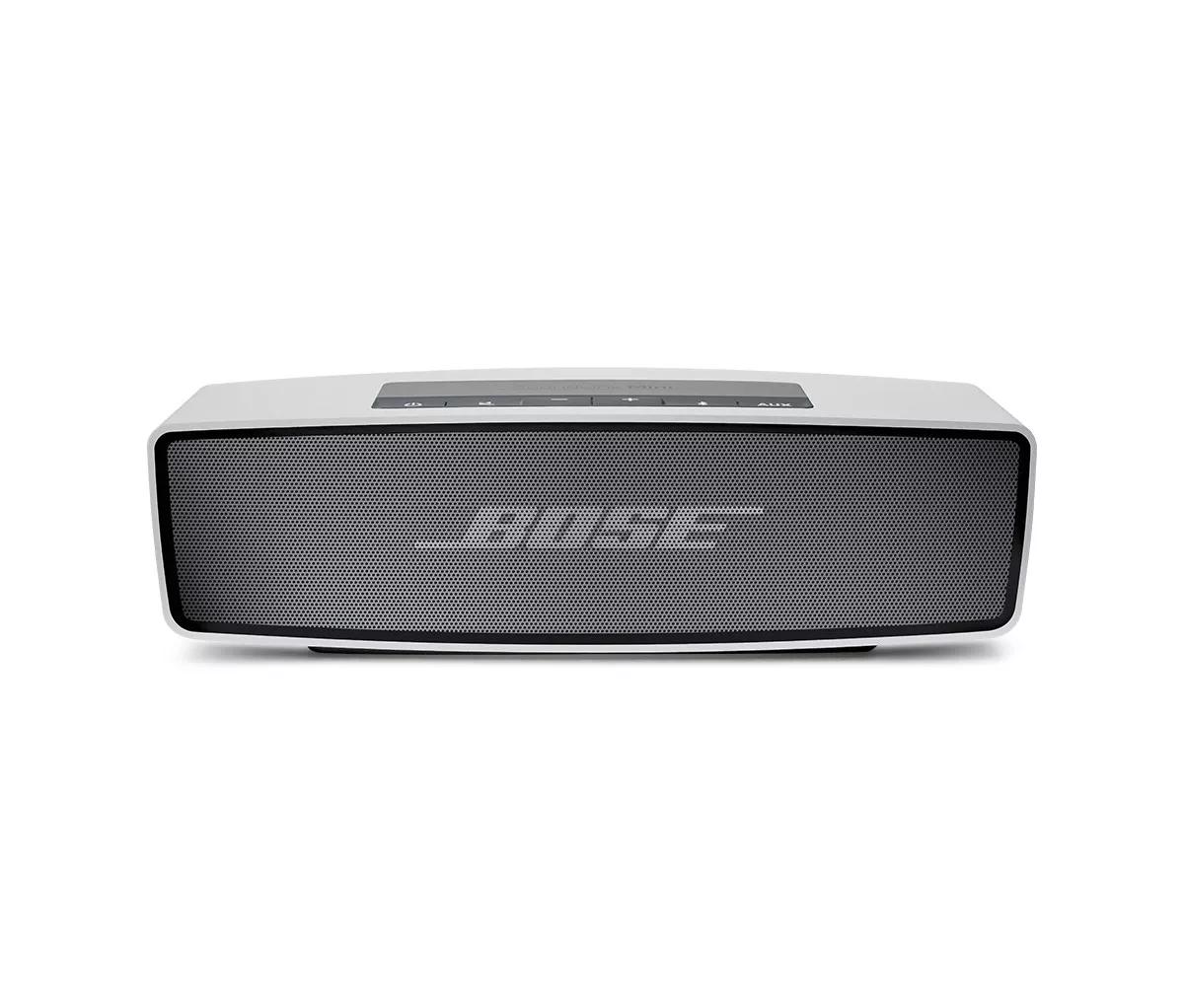


When you select the Bluetooth source, your Bose product tries to auto-select the last connected Bluetooth device. If that device is not available and you've connected other devices, there might be a short delay while it looks for those other devices in order of last connected.
To connect a different device, put your product in pairing mode and then select it from the Bluetooth menu of the device you want to connect. For more help, see Connecting a Bluetooth device.

