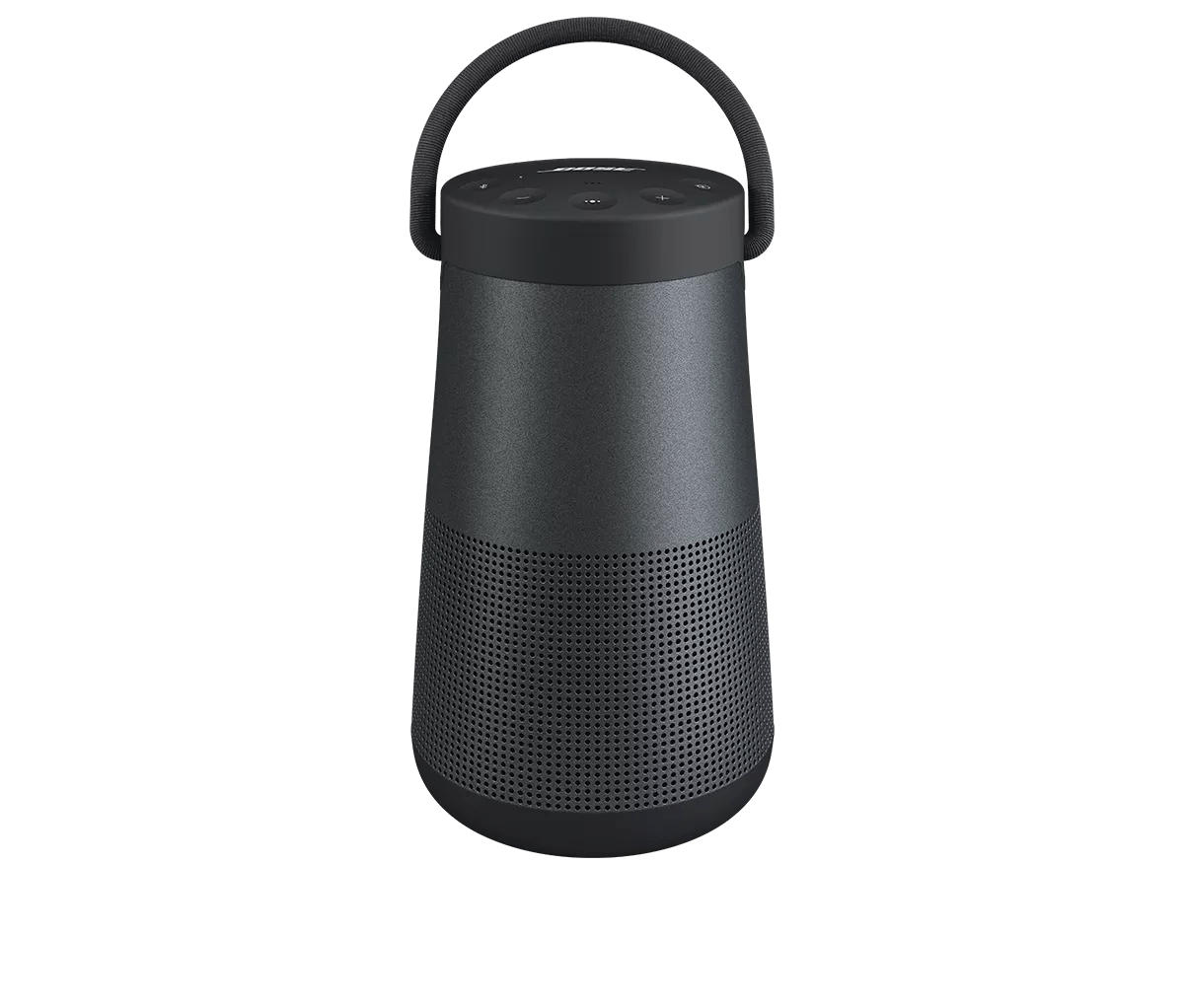
Use the Bose Connect app to pair speakers.
While Party and Stereo modes are available via the Bose Connect app or via the product buttons, the app has a user-friendly visual interface and also lets you to connect different model product (e.g. a SoundLink Revolve and a SoundLink Micro). For more info, see
Enabling or disabling Party or Stereo mode.
Make sure only one speaker is powered on and connected to your Bluetooth® device.
Stereo and Party mode will not work if both speakers you want to use are powered on and connected to the Bluetooth device.
Try moving the products and Bluetooth® device closer together.
In Party/Stereo mode, the Bluetooth device connects to the first product, then the first product connects to the second product. To prevent the products or device from disconnecting, keep them with Bluetooth range, which is about 33' (10 m). This range, however, can be reduced by interference, like walls, metal, doors or other Bluetooth devices in the area. Check if the issue is resolved when your Bluetooth device and products are in close proximity.
Check the software version.
The software needs to be up-to-date and the same for both speakers when using party and stereo modes. If there is a mismatch of two speakers running on different firmware versions, it can result in difficulty connecting.
Check for and install any available product updates.
Regardless of the issue you are experiencing with your product, try updating it. Visit
btu.Bose.com and follow the instructions to ensure your product has the latest features and enhancements.
Try pausing audio when engaging Party or Stereo modes
Pause audio streaming to all speakers before turning on Party or Stereo mode.
If using two of the same speakers, name them differently in the Bose Connect app.
When connecting two same-model speakers, give them different names to help distinguish between the two. For more info, see
Renaming a product.
On the Bluetooth device, remove all entries of your Bose product from the Bluetooth menu. Then, try connecting again.
In the Bluetooth menu of the Bluetooth device, you'll find a list of Bluetooth products that have been previously connected. Your Bose product might show up one or more times in the list (i.e. any Bose entries that begin with "LE-"). Select each entry for your product and remove it by selecting Forget, Unpair, Delete or something similar. After, try connecting again. For more info, see Connecting a Bluetooth device.
Clear your Bose product memory of previously-connected Bluetooth devices.