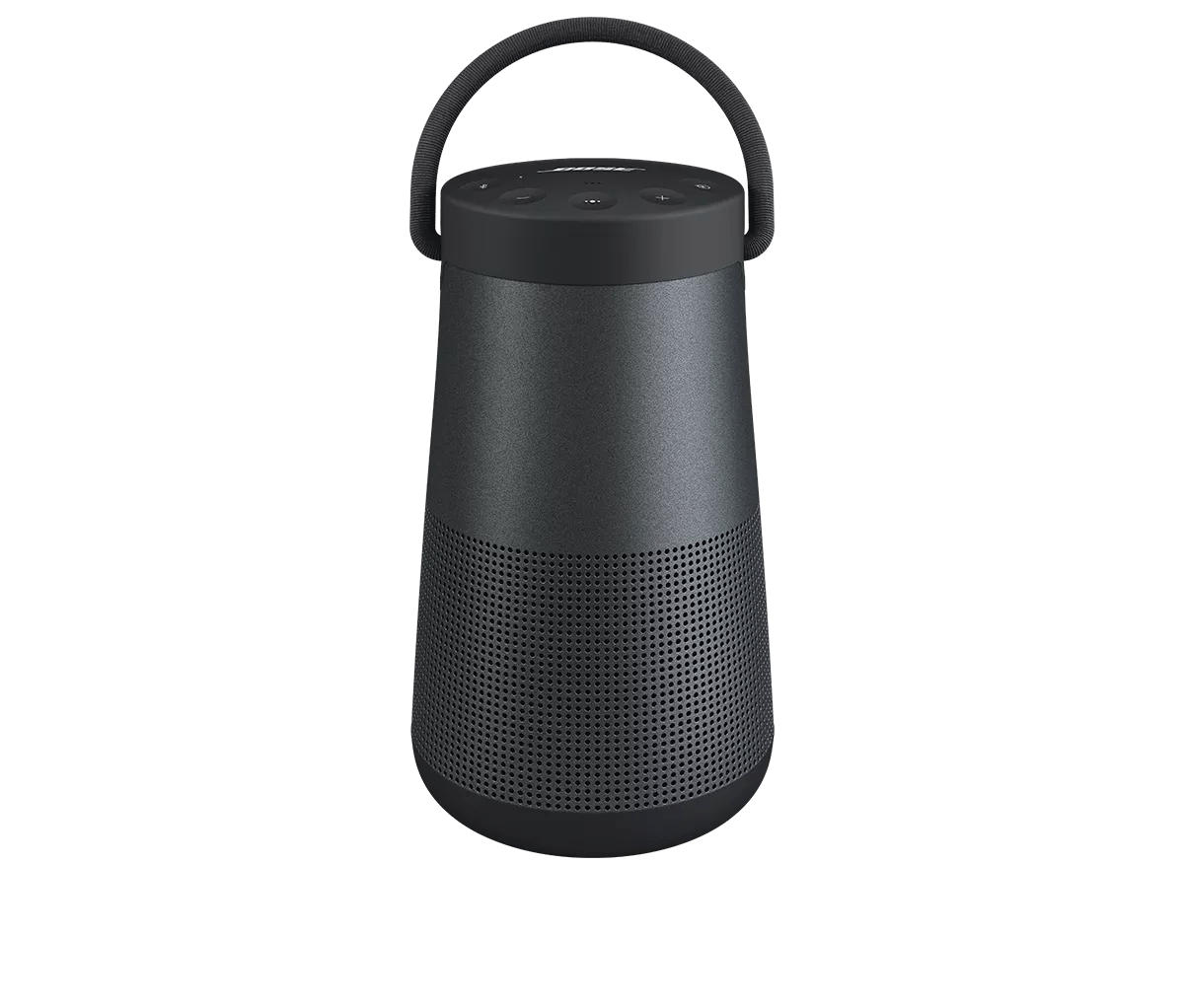


Your Bose product remembers the last several devices it connected to so it can quickly reconnect to them. In case there is an issue with the device memory, clear it and then try to reconnect the device. For more info, see Clearing the product memory of paired Bluetooth devices and Connecting a Bluetooth device.
In the Bluetooth menu of the Bluetooth device, you'll find a list of Bluetooth products that have been previously connected. Your Bose product might show up one or more times in the list (i.e. any Bose entries that begin with "LE-"). Select each entry for your product and remove it by selecting Forget, Unpair, Delete or something similar. After, try connecting again. For more info, see Connecting a Bluetooth device.
This range can be reduced by obstacles (e.g. walls, doors, appliances, wireless devices, etc.). Try moving the device and product closer together.
This issue may be caused by a weak connection to the cellular network. Enabling Wi-Fi calling in your phone's settings while connected to your home network can help, or you can try the call again once the reception improves.
Much like rebooting a smartphone, your product might need to be reset on occasion to correct minor issues. For more information, see Resetting your product.

