Was this helpful?


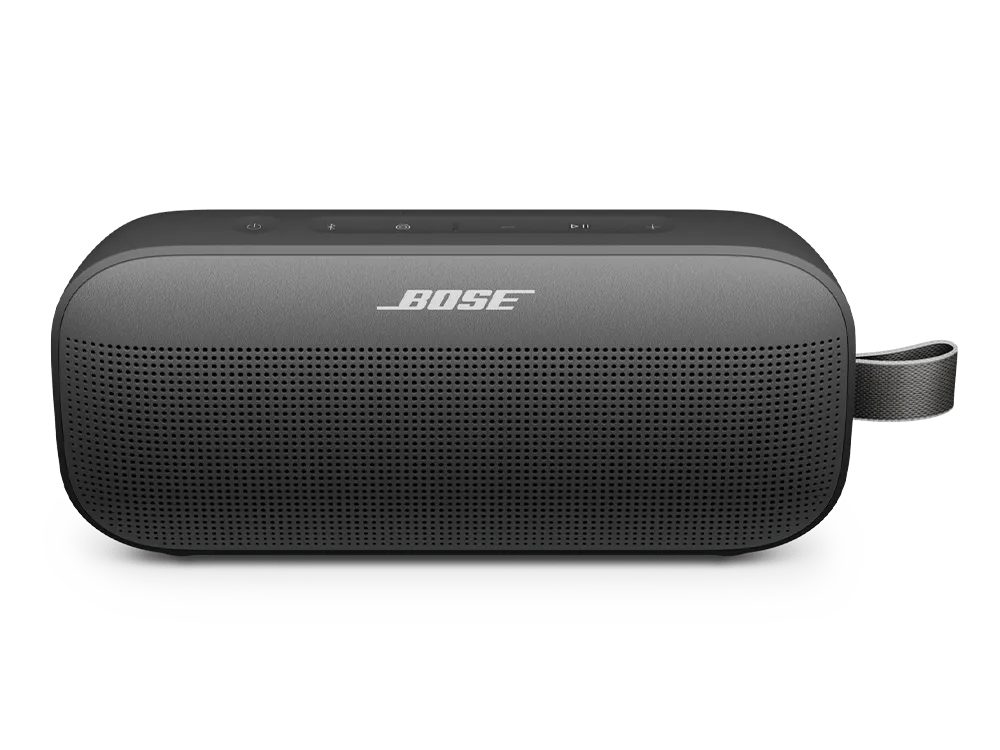
If you purchased your SoundLink Flex SE (2nd Gen) from Costco in Canada, your speaker requires a software version 4.11.20 or higher prior to use to ensure proper battery function. Please download the Bose app, connect your speaker, and install the latest software when prompted.
Alternatively, you can update your speaker with the included USB cable by visiting btu.Bose.com.
If an update does not complete successfully, try installing the update again. For info, see Updating the software or firmware of your product.
In the Bose app settings, go to technical info. If you see this message, you should close the app and restart it to try activating again.
Image may differ in appearance from the actual product.

