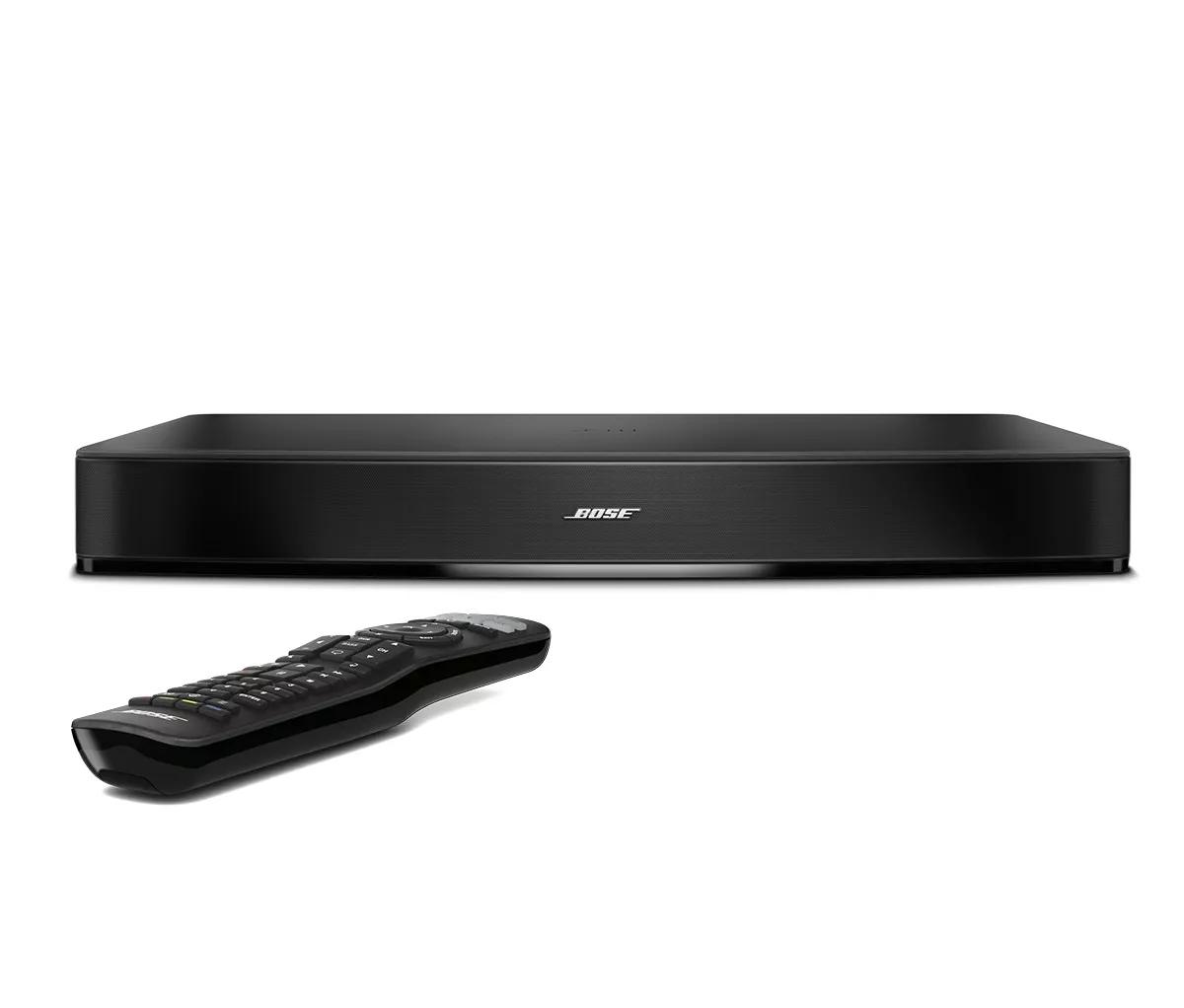
Too little bass or too much treble from product | Bose Solo 15 Series II TV sound system
bose-solo-15-series-ii-tv-sound-system
Bose Solo 15 Series II TV sound systemSold from 2015 - 2017

Too little bass or too much treble from product | Bose Solo 15 Series II TV sound system

If the sound lacks bass or has too much treble:

Try the following:

Reposition the system to change bass response.

Your speaker has a port on the back. Aiming the port of the speaker at a wall or corner can increase the amount of bass you hear. Conversely, moving the port of the speaker away from a wall or corner can decrease the amount of bass you hear.

Be sure the bass adjustment is set properly.

If the bass setting is too low or too high, the overall sound quality may be impaired. Set the bass to the middle level for normal performance and adjust as needed. For information, see Adjusting the tone controls on your product.

Check the audio settings of the connected device.

Many devices (i.e. cable boxes, game consoles, Blu-ray players, etc.) let you to adjust audio processing (i.e. bass, treble, compression, etc.). Disable any audio processing settings in the device menu or adjust any other related settings, then try again.

Adjust bass and treble controls on the connected audio device.

Many devices have sound options, like bass and treble controls or compression. Check the device menu for sound processing options and disable them. If the issue is resolved, re-add only the necessary sound options. For adjustable options, try small adjustments.

Try connecting a different audio device.

If available, connect another audio device using the same cables and connections to determine if the issue is related to the first device or its settings.

Check to see if Dialogue Mode is on or off.

Dialogue mode provides optimal sound quality for dialogue-only programming, such as news and talk shows, by automatically adjusting the system’s sound settings. Turn this feature on or off and check if the audio quality is improved. For more information, see Turning Dialogue Mode on or off.

Replace the cables used to connect your product

Try replacing the cables that connect your product. If no issue is heard with new cables, the first set of cables is the issue.

Determine if the room size is too large or the distance from the system is too far.

The volume from the system will seem lower in larger rooms than in smaller rooms. The level of sound will decrease when heard from greater distances. Try to place your system within 20 feet (6 meters) of the listening area.

Reset your product.

Much like rebooting a smartphone, your product might need to be reset on occasion to correct minor issues. For more information, see Resetting your product.