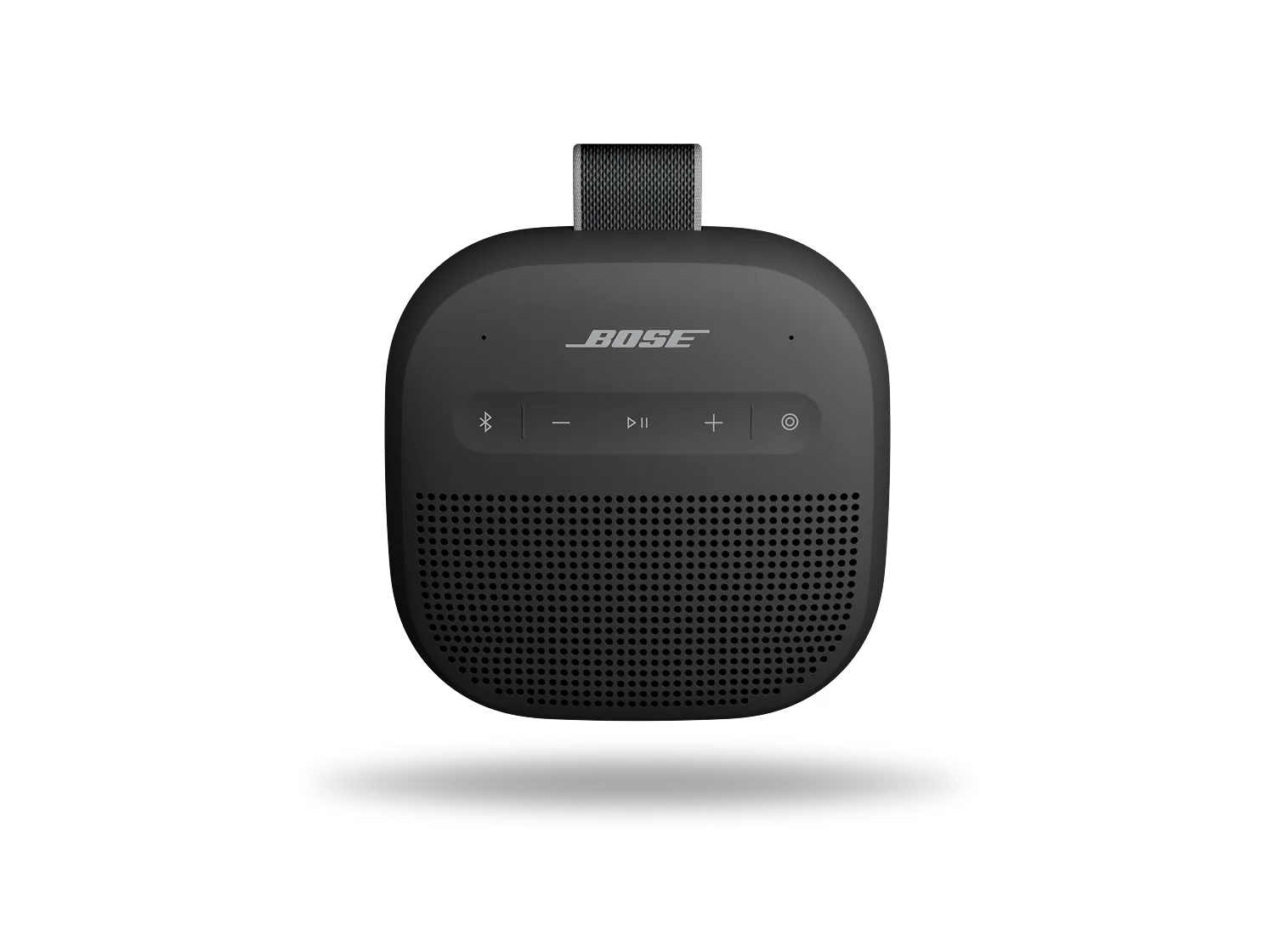
Connecting a Bluetooth device using the Bose app | Bose SoundLink Micro Portable Speaker (2nd Gen)

Connecting a Bluetooth device using the Bose app | Bose SoundLink Micro Portable Speaker (2nd Gen)

You can connect a Bluetooth® device using the Bose app or the buttons on your product.

Below, we'll show you how to connect using the Bose app. For help connecting without the app, see Connecting a Bluetooth® device.

Use the app to put your product in pairing mode.

To connect a device using the Bose app, you first need to add your Bose smart speaker to your Bose Music account. If you haven't yet, see Setting up your product.

To enter pairing mode:

Note: The images and options below might differ depending on the product you're using.
  1. In the Bose app, tap the Source button
    Tip: If a different product is shown, tap the My Bose icon \"icon\" in upper-left corner, select the desired product, then tap the Source button


  2. Select Bluetooth


  3. Tap Add New to make your speaker available to connect to a Bluetooth device.

Use the app to put your product in pairing mode.

To connect a device using the Bose app, you first need to add your Bose product to your Bose account. If you haven't yet, see Setting up your product.

To enter pairing mode:

  1. In the Bose app, tap the Source button.
    If a different product is shown, tap the My Bose icon \"icon\" in upper-left, select the desired product, then tap the Source button.
  2. Select Bluetooth.
  3. Tap Add New to make your speaker available to connect to a Bluetooth device.