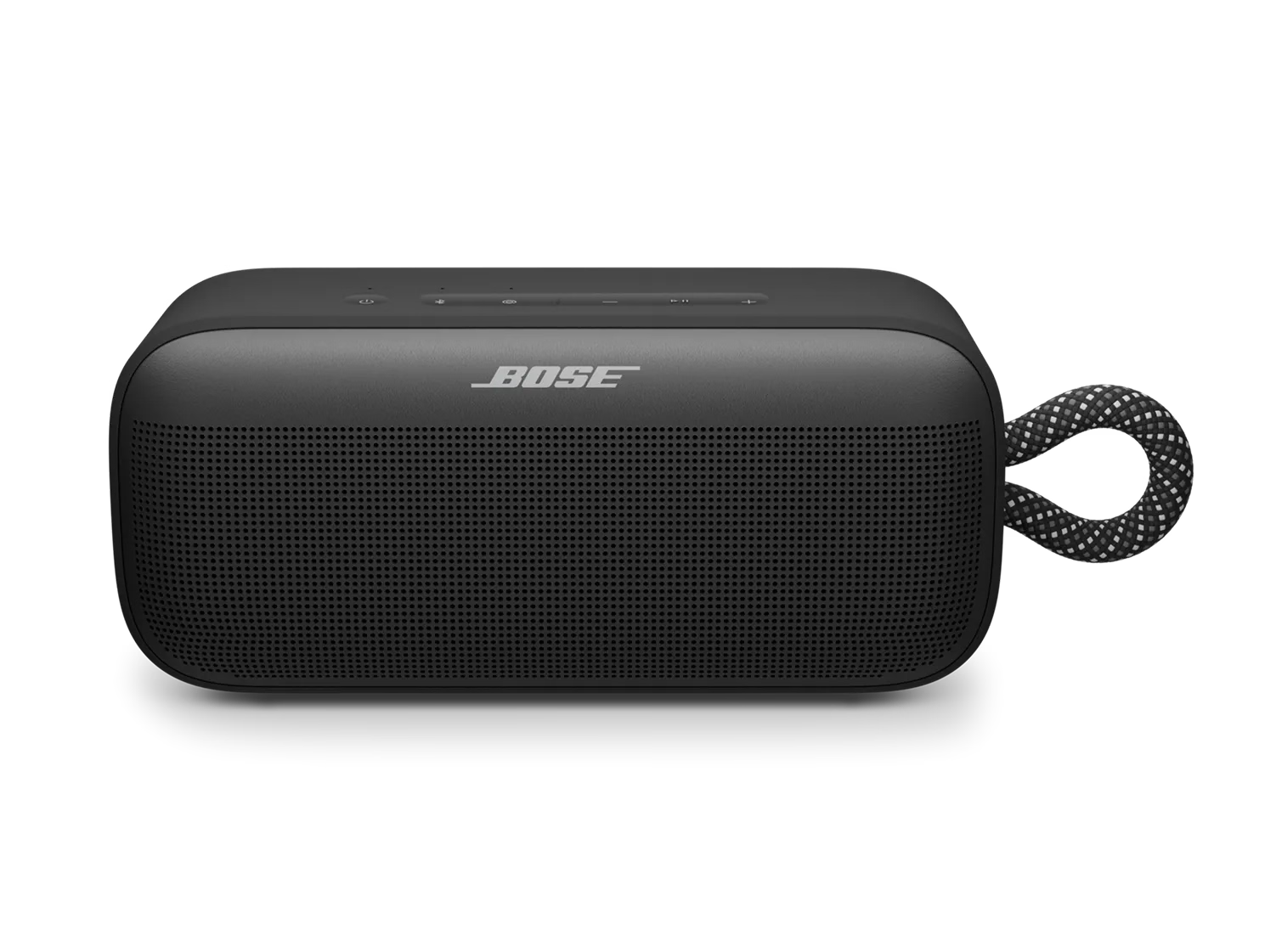
Before updating, charge your product until the battery is full.
Before updating your product, charge the battery. Once it is fully charged, install any available updates.
Try a different USB cable or port.
Try connecting your product to the computer with a different USB cable or port (on the computer). If you are using a third-party adapter or USB hub, try bypassing it and connecting directly to the computer.
Reset your product.
A reset refreshes your speaker's internal settings and can help fix minor issues.
- Press and hold the Power
![\"icon\"]() button for 15 seconds.
- The speaker will power off and automatically turn back on.
Your previously connected devices will not be removed.
Reboot the computer.
Reboot your computer by powering it off completely and then powering it back on again. This can help to resolve minor processing issues with the computer.
Temporarily disable antivirus or firewall software on the computer.
In case the updater is blocked by security software on the computer, disable security software and try again. Be sure to re-enable the software when finished.
Uninstall and reinstall the Bose Updater tool.
In case an issue occurred with the updater, uninstall it from your computer, download and reinstall it from
btu.bose.com, then try again.
Try updating at a later time.
In case there is an issue with the update server, try the updating again in a few hours or the next day.