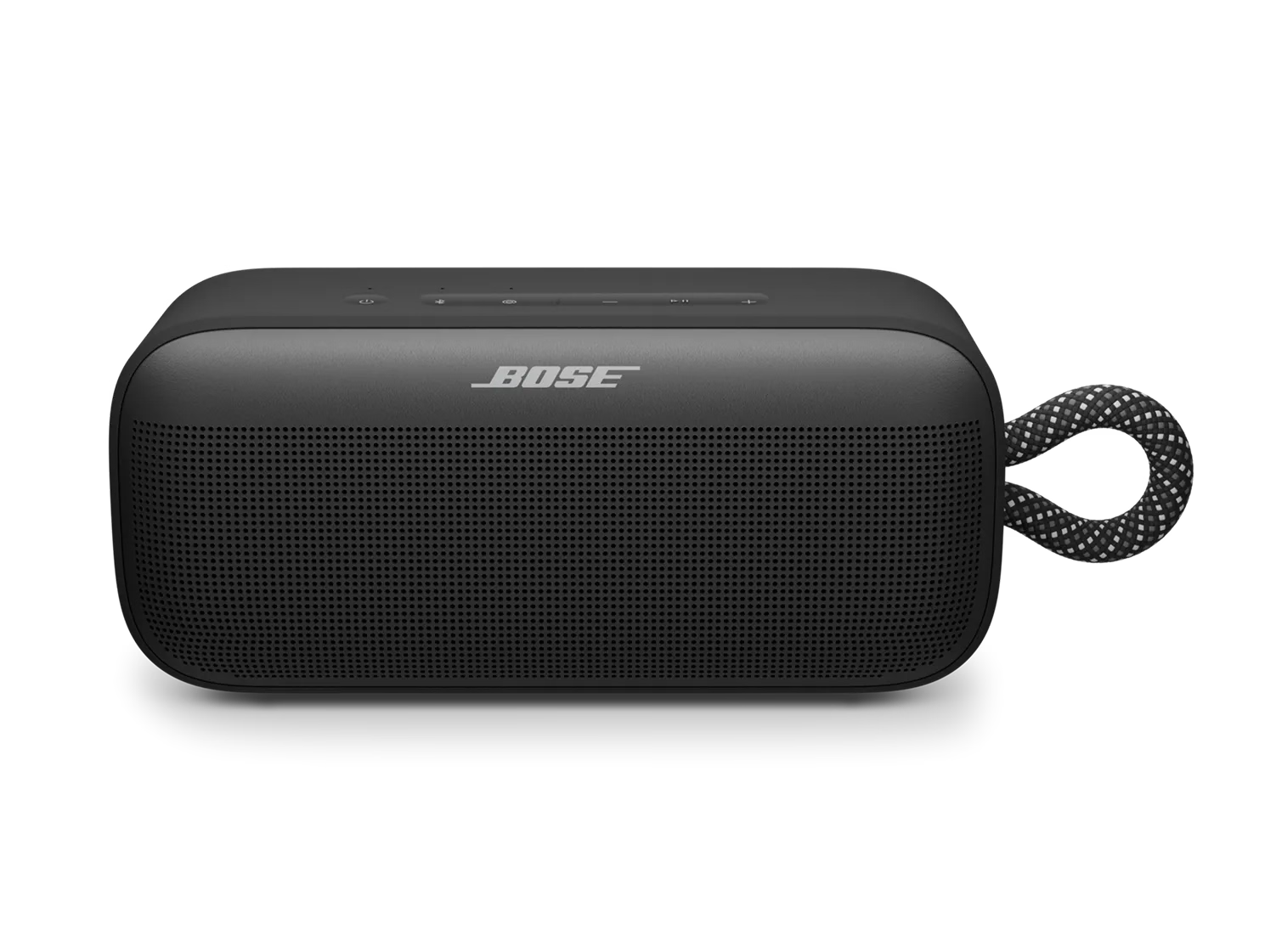
Key Changes
Between February and March 2026, Bose released an update that introduced a refreshed experience designed to make your products easier and faster to use. Here’s what’s changed:
Voice Prompts & TonesMost voice prompts were replaced with simple tones for a more streamlined experience.
LanguagesVoice prompts are only supported in English, Japanese and Mandarin. We no longer support French, German, Italian, Spanish or Cantonese.
Bluetooth Certain Bluetooth button functions and assignable shortcuts were updated for consistency.
Simplified SettingsSome previous customization options will be removed to reduce complexity.
BatteryBattery level is no longer announced by percentage.
For more information, see this video
For more detail and examples of the new tones and prompts, watch this video.
FAQs
Q: Why is Bose changing the experience on its headphones and portable Bluetooth speakers?
A: Bose is evolving its products to make them simpler, faster, and more intuitive. By reducing unnecessary prompts and streamlining settings, we’re helping you get to your music and content with fewer interruptions. These updates also introduce a modern voice experience that reflects our commitment to a premium user experience. Q: Why does this change affect only certain Bose products?
A: We’re taking a phased approach to ensure stability and quality. The selected products are the best starting point for introducing these changes. We’re taking a phased approach to ensure stability and quality. The selected products are the best starting point for introducing these improvements and delivering a reliable, high-quality experience. Q: How can I stay updated on future product news or replacements?
A: Visit support.bose.com for the latest updates and announcements. Q: Will this update happen automatically, or do I need to do something?
A: The update will download and install automatically when your product is connected to the Bose app and has an active internet connection. No manual steps are required. Q: How will I know when the update is complete?
A: You’ll receive confirmation in the Bose app once the update is finished, please ensure app notifications are turned on for the Bose app on your device. Q: What happens if I don’t update my product?
A: Your product will continue to work, but some features—like speaker linking—may not function properly unless all linked devices are updated. Q: Will this update affect my saved settings or preferences?
A: Some customization options will be removed to simplify the experience. Most core settings will remain, but any removed features will no longer be available after the update. Q: Why are some languages being removed?
A: Most of the voice prompts are being removed entirely and replaced with simple tones, making language support less relevant. Supported languages will include English, Japanese, and Mandarin. Q: Will the new tones/prompts be customizable?
A: No, tones/prompts will be standardized for consistency and simplicity. Q: Does this update improve performance or battery life?
A: While the update focuses on user experience, it also includes optimizations that help maintain overall product performance. Q: Will this update affect compatibility with older devices or apps?
A: Your product will remain compatible with the Bose app and most Bluetooth devices. However, older app versions may not support the new features, so we recommend updating the Bose app as well. Q: Can I delay or opt out of the update?
A: Not really. Once the update is available, it will install automatically when your product connects to the Bose app, and it can’t be undone. You can avoid the update by deleting the Bose app, but as soon as you reinstall and reconnect, the update will start automatically. Keep in mind that deleting the app also means losing customization, future updates, and other app features for your product. Q: Is there any impact on warranty or support after the update?
A: Your warranty and service options will not change as a result of this update. You’ll continue to receive the same coverage and support you had before.
Choose a category of voice prompts to compare
Power
| Prompt | Old | New |
|---|
| Power On | | |
| Power Off | | |
| Battery Low | | |
Bluetooth
| Prompt | Old | New |
|---|
| Discoverable | | |
| Connected | | |
| Disconnected | | |
Speaker Linking
| Prompt | Old | New |
|---|
| Bose Speaker Lost | | |
| Bose Speakers unlinked | | |
| Bose Speaker not found | | |
| Stereo Mode | | |
| Party Mode | | |
| Left | | |
| Right | | |
| Press the Shortcut button on a second Bose Bluetooth speaker | | |
| Can't link speakers while AUX is active | | |
| To unlink speakers, press and hold the Shortcut button | | |
| Unlink speakers to use the AUX source | | |
| Update your speaker to link two Bose Bluetooth speakers | | |
Confirmations
| Prompt | Old | New |
|---|
| Positive | | |
| Neutral | | |
| Negative | | |
Volume
| Prompt | Old | New |
|---|
| Maximum Volume | | |
| Minimum Volume | | |