If connected to a computer, disconnect the LE/BLE connection on your computer
Sometimes Windows can automatically connect the LE connection and can cause interference with the audio stream over A2DP.
- Go to your PC’s Bluetooth setting menu and look at the connected devices listed
- If your Bose headset is showing connected to the Bluetooth profile that has the abbreviation “BLE” or “LE” in the product name, click on the product and select Disconnect or disconnect this Bluetooth profile.
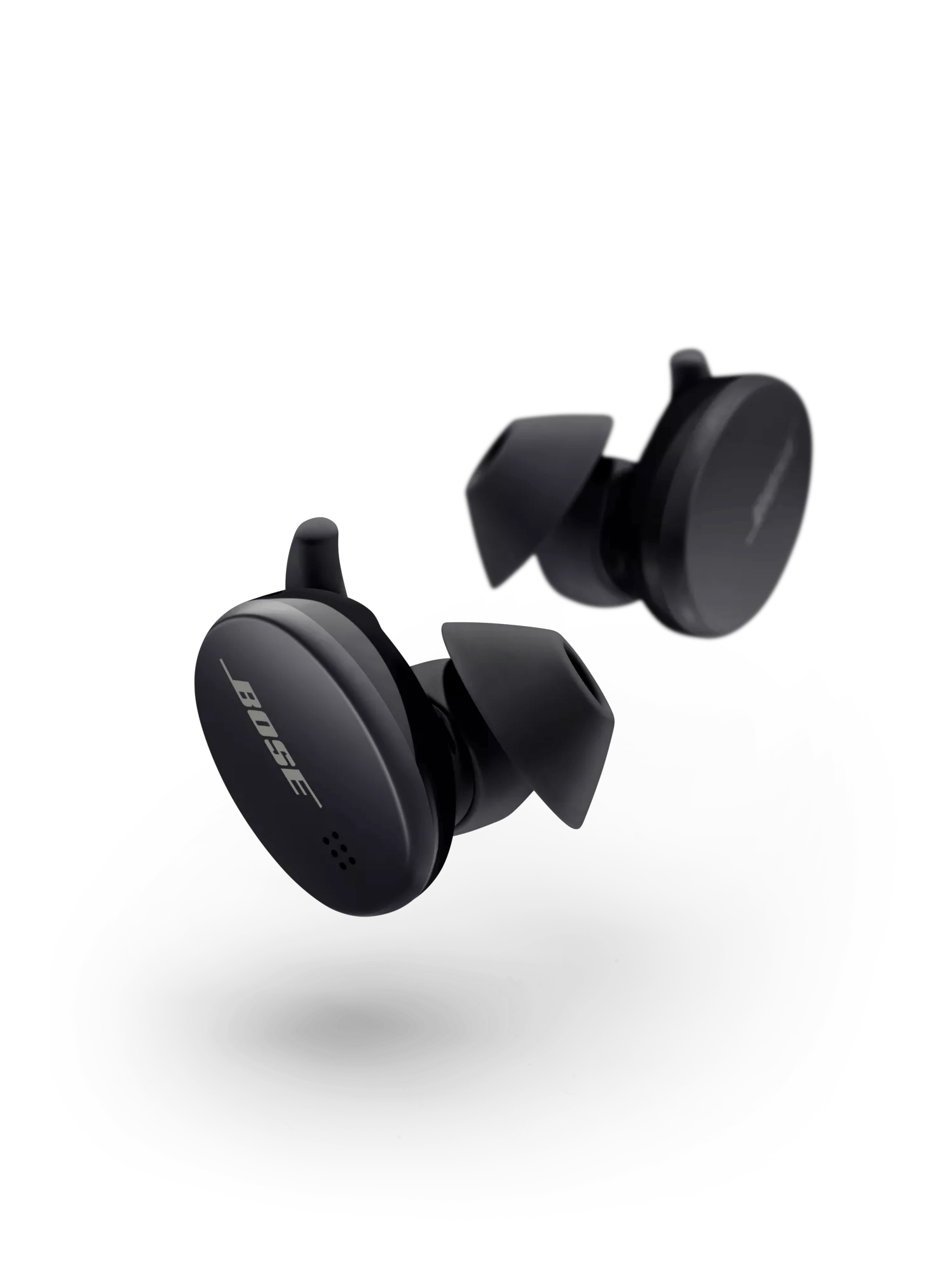
Be sure you're wearing the earbuds correctly.
A proper fit is important for comfort and sound quality. If the earbuds are not worn properly or positioned incorrectly, audio and microphone performance may be affected. See
Wearing and adjusting your earbuds for more details.
Try disconnecting wireless devices connected to the computer
Wireless devices, such as a mouse or keyboard can cause radio frequency and bandwidth interference with audio on Bluetooth devices. Try disconnecting wireless devices to see if it improves the audio quality.
Check for and install any available product updates.
If you're experiencing intermittent audio during phone calls, check your cellular reception.
This issue may be caused by a weak connection to the cellular network. Enabling Wi-Fi calling in your phone's settings while connected to your home network can help, or you can try the call again once the reception improves.
Try playing different types of media.
Different media types might produce different quality sound. For example, Podcasts, music stored locally on your phone, MP3s, streaming music services (Spotify, Pandora), videos on your device or stored in the cloud, etc. can all vary in quality. Try different media to determine if the issue is specific to certain media.
Try a different app.
If the issue only occurs with a particular app, it is likely related to the app or app settings.
Reset your product.
Much like rebooting a smartphone, your product might need to be reset on occasion to correct minor issues. For more information, see Resetting your product.
Try connecting a different Bluetooth device.
If your Bose product can connect to another device, Bluetooth functionality is working. In cases like this, the issue could be with the first device or its settings.
Try disconnecting other nearby wireless devices that might interfere with Bluetooth® signal.
Some wireless devices can cause interference with a Bluetooth signal.
Common examples include:-
- 2.4 GHz router
- cordless phone
- wireless speaker adapters
- home security motion sensors
- fluorescent lights
- microwaves
- wireless mice and keyboards
If there are such devices, disconnect one at a time and check if the issue improves. If so, consider relocating your product or the device.