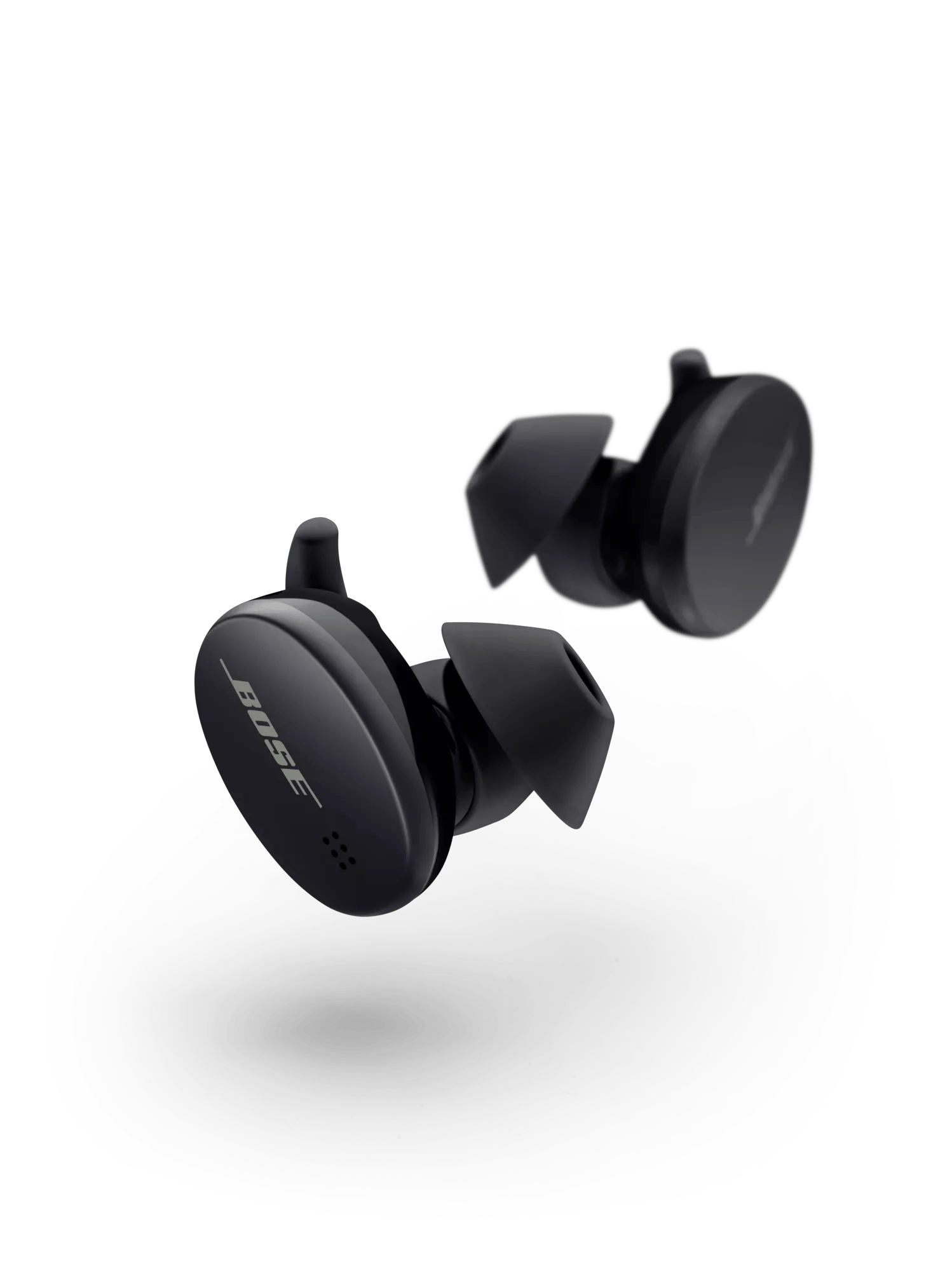


The right earbud connects to your personal device (phone, tablet, or computer) and transmits audio to the left earbud. Placing the right earbud in the case will stop audio playback. Always use the right earbud when listening to audio or making phone calls with a single earbud.
Much like rebooting a smartphone, your product might need to be reset on occasion to correct minor issues. For more information, see Resetting your product.

