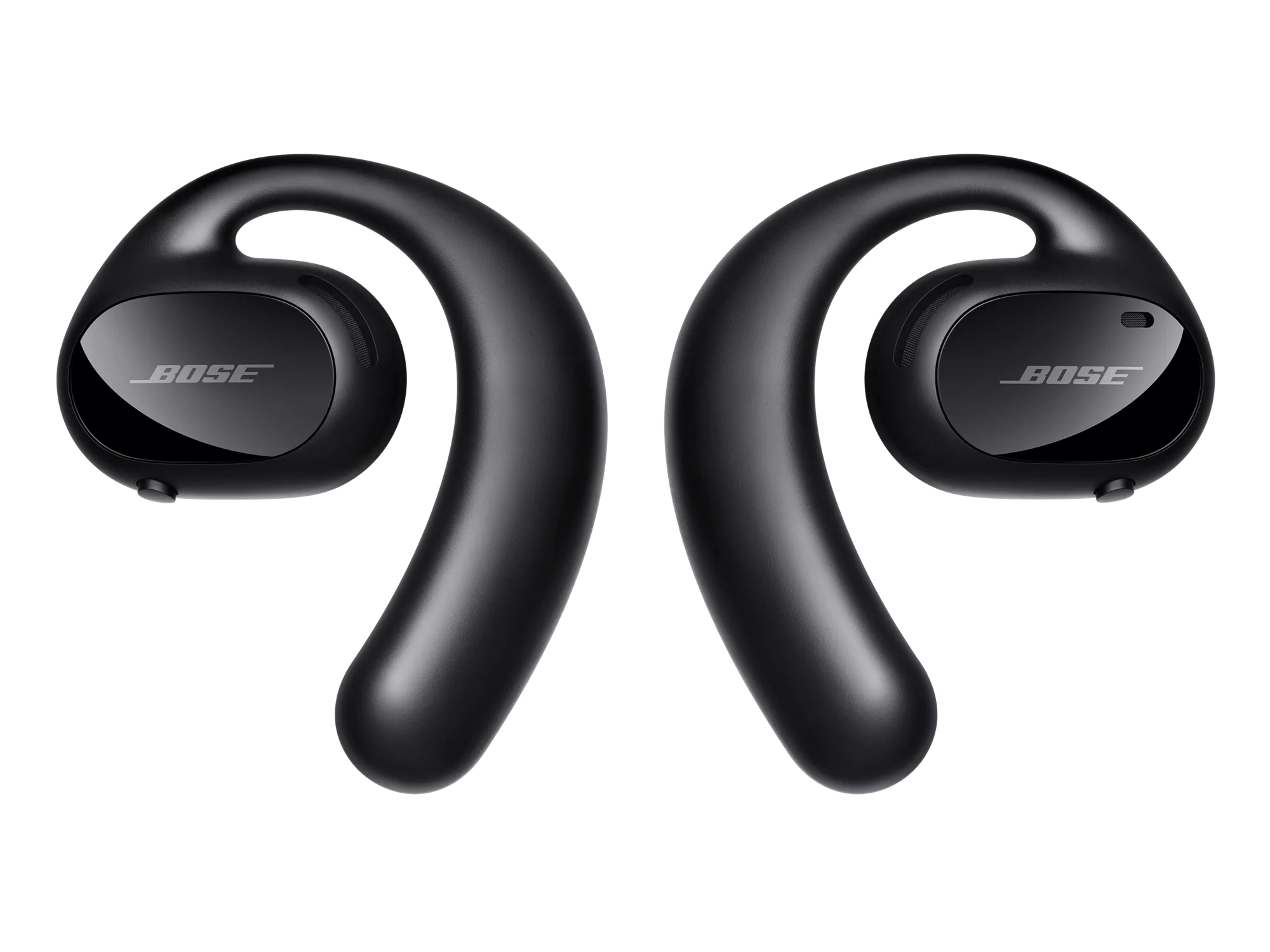
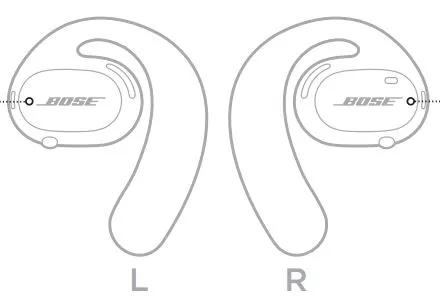


The earbud status lights are located on the outside surface of each earbud.
Shows the Bluetooth connection status of mobile devices.
Light Activity: Slowly blinks blue
Earbud's State: Ready to connect
Light Activity: Quickly blinks blue
Earbud's State: Connecting
Light Activity: Solid blue (10 seconds)
Earbud's State: Connected
Shows the earbud battery status.
Light Activity: Blinks red (10 seconds)
Earbud's State: Need to charge
Light Activity: Blinks white
Earbud's State: Charging
Light Activity: Solid white
Earbud's State: Full charge
Shows the update and error status.
Light Activity: Quickly blinks white
Earbud's State: Updating earbuds
Light Activity: Blinks red and white (repeated)
Earbud's State: Error - contact Bose customer service