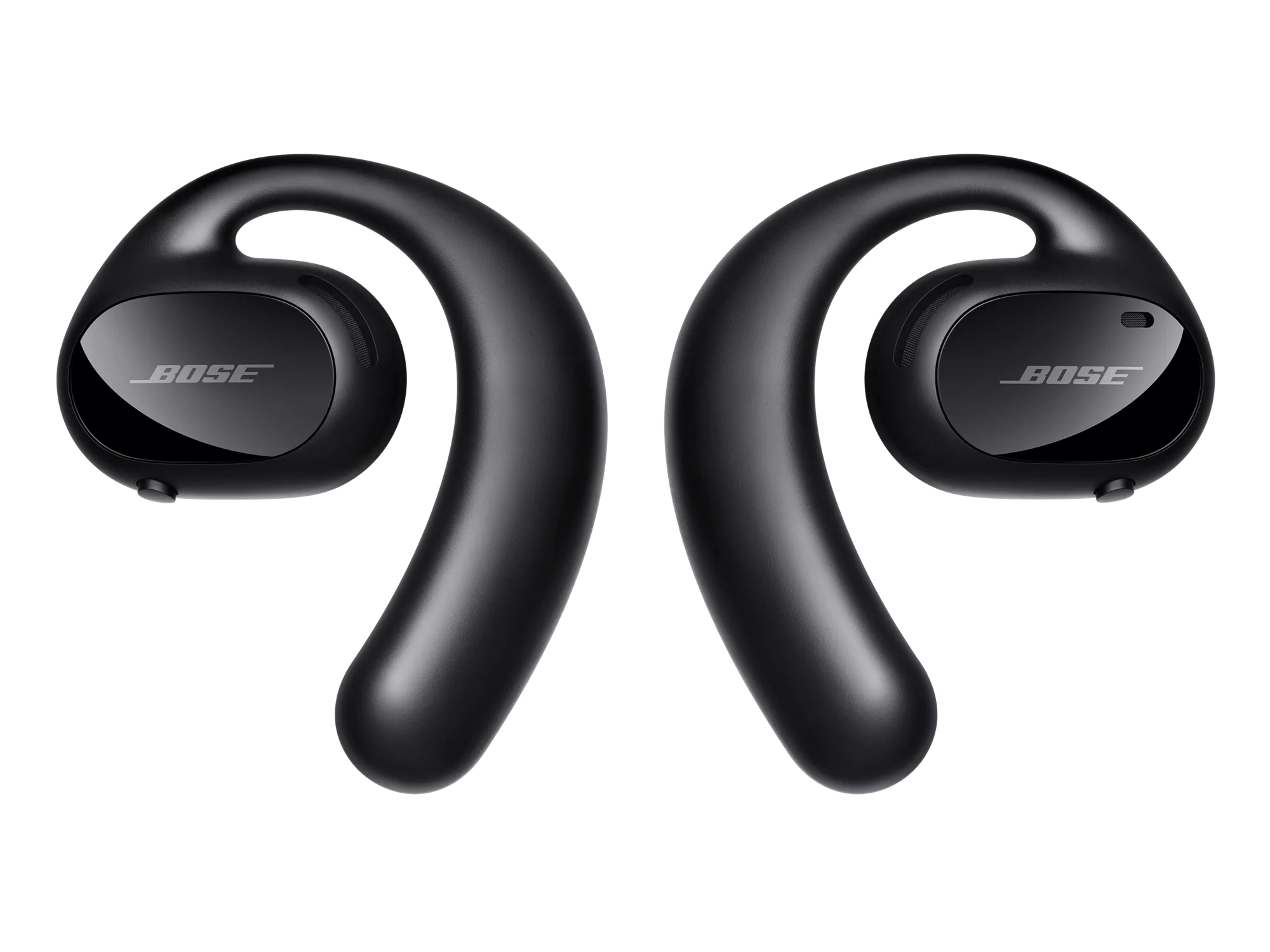
Wake earbuds from sleep mode
If powering on for the first time, make sure you press the button on the left earbud and then the right earbud.
Be sure you're wearing the earbuds correctly.
A proper fit is important for comfort and sound quality. If the earbuds are not worn properly or positioned incorrectly, audio and microphone performance may be affected. See
Wearing and adjusting your earbuds for more details.
Try a different app.
If the issue only occurs with a particular app, it is likely related to the app or app settings.
Try playing different types of media.
Different media types might produce different quality sound. For example, Podcasts, music stored locally on your phone, MP3s, streaming music services (Spotify, Pandora), videos on your device or stored in the cloud, etc. can all vary in quality. Try different media to determine if the issue is specific to certain media.
Reset your product.
Much like rebooting a smartphone, your product might need to be reset on occasion to correct minor issues. For more information, see Resetting your product.