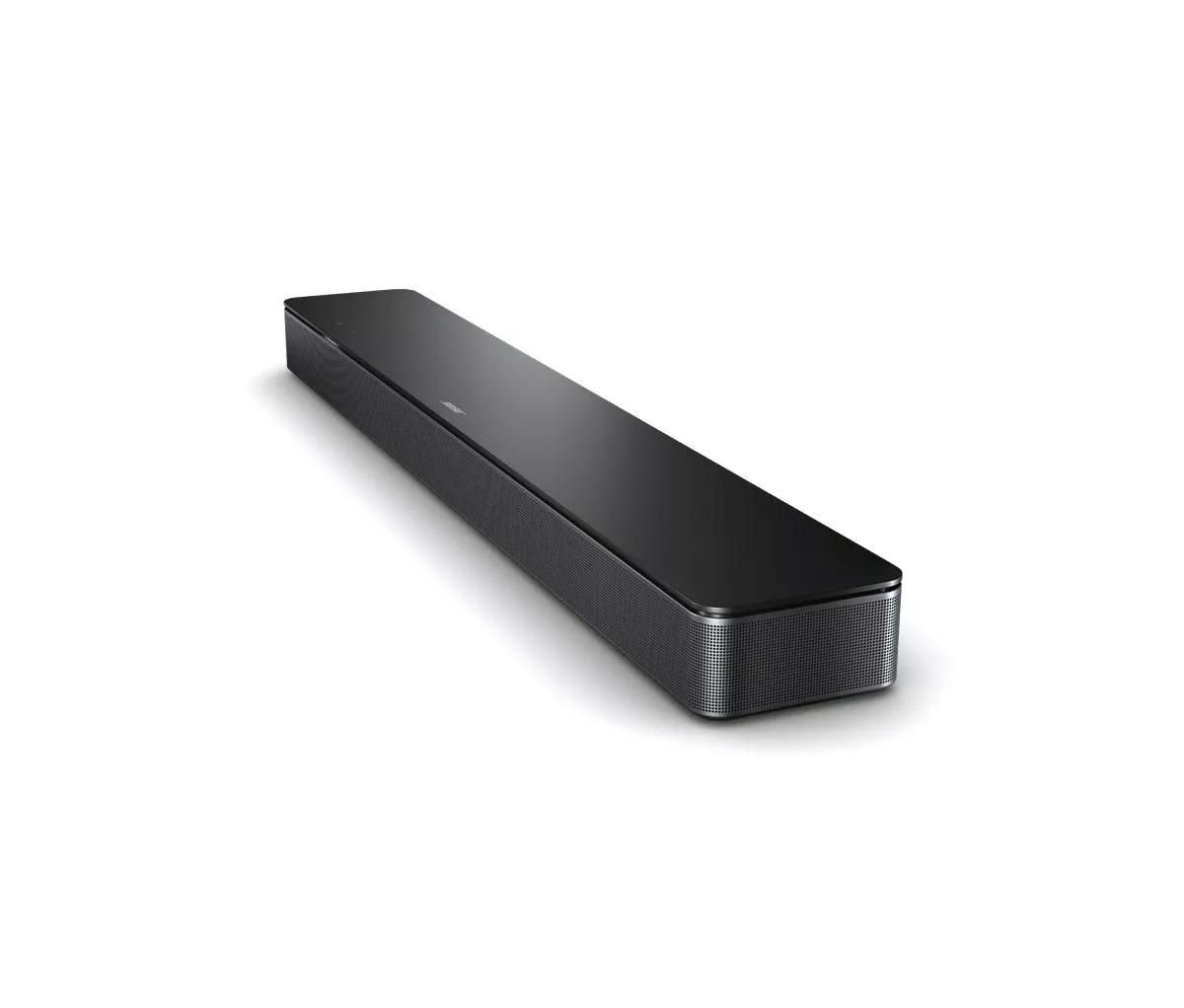
On your product, tap the Action button and check if it listens for your request.
Tapping the Action button â—‹ on the top of your product tells it to listen for your voice request. While listening, the light bar on the front of your product slides to the center and glows. If the light bar does not do this when you tap the Action button, it's not listening for your request.
If there is noise in the room, try reducing it.
If there is a lot of noise in the room (i.e. multiple people talking or loud music playing), your product might not hear you. Try reducing noise in the room, talking louder or speaking closer to the product.
Try streaming an Internet radio station or music service to confirm the product is connected to the Internet.
Try phrasing the command differently.
Google Assistant can interpret many variations of command phrases and is always growing its vocabulary. Some phrases, however, might not be recognized. To determine if this is the issue, try phrasing the command differently.
If you are trying to control a music service by voice, be sure the music service has been added to your Bose and Google accounts.
Check that "Web & App Activity" is enabled in the Google Assistant app.
For the Google Assistant to work properly, enable "Web & App Activity" in your Google account. In the Google Assistant app, go to "Account" > "Manage your Google Account" > "Data & personalization," then turn on "Web & App Activity."
Not all Google Assistant features are available with non-Google devices.
Some Google Assistant features are unavailable on non-Google-made products. Additionally, some features of your Bose product cannot be accessed via Google Assistant. For information about Google Assistant features and abilities not supported with your Bose system, see
Features not available with Google Assistant.
Remove and re-add Google Assistant in the Bose app.
Open the Bose app and remove Google Assistant. Then, re-add the same Google Assistant account. This re-links Google Assistant to your Bose account and can correct any issues that may have occurred between the two accounts.
If troubleshooting fails and multiple customers are reporting this issue, contact the assist line to check if the service is down.
If all troubleshooting fails, the assist line can check if a service is down on the Bose Cloud Status Page.
Note: It is rare for a service to go down, so try all troubleshooting first.