Was this helpful?
No audio from product | SoundSport® Free wireless headphones
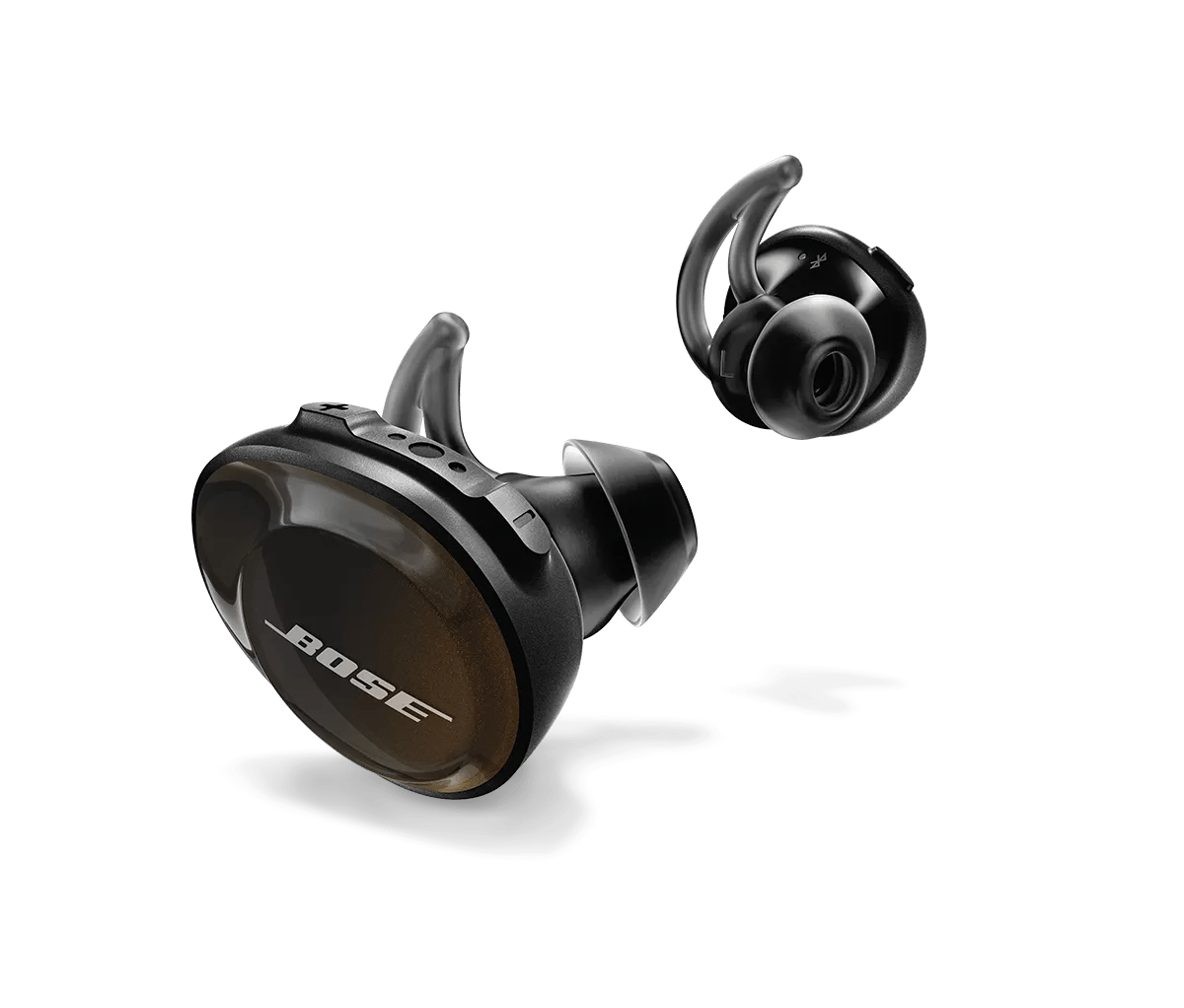
Use the right earbud if you're using only one.
The right earbud connects to your personal device (phone, tablet, or computer) and transmits audio to the left earbud. Placing the right earbud in the case will stop audio playback. Always use the right earbud when listening to audio or making phone calls with a single earbud.
Confirm the headset is connected to the Bluetooth® device.
Be sure your product is within 33 feet (10 meters) of the Bluetooth device.
This range can be reduced by obstacles (e.g. walls, doors, appliances, wireless devices, etc.). Try moving the device and product closer together.

If adding a device to Windows, be sure to connect to the Bluetooth® device with the headset or speaker icon.
Tip: If you already paired to the device icon, just connect your product again and choose the listing with the headphones or speaker icon. For more info, see Connecting a Bluetooth® device.