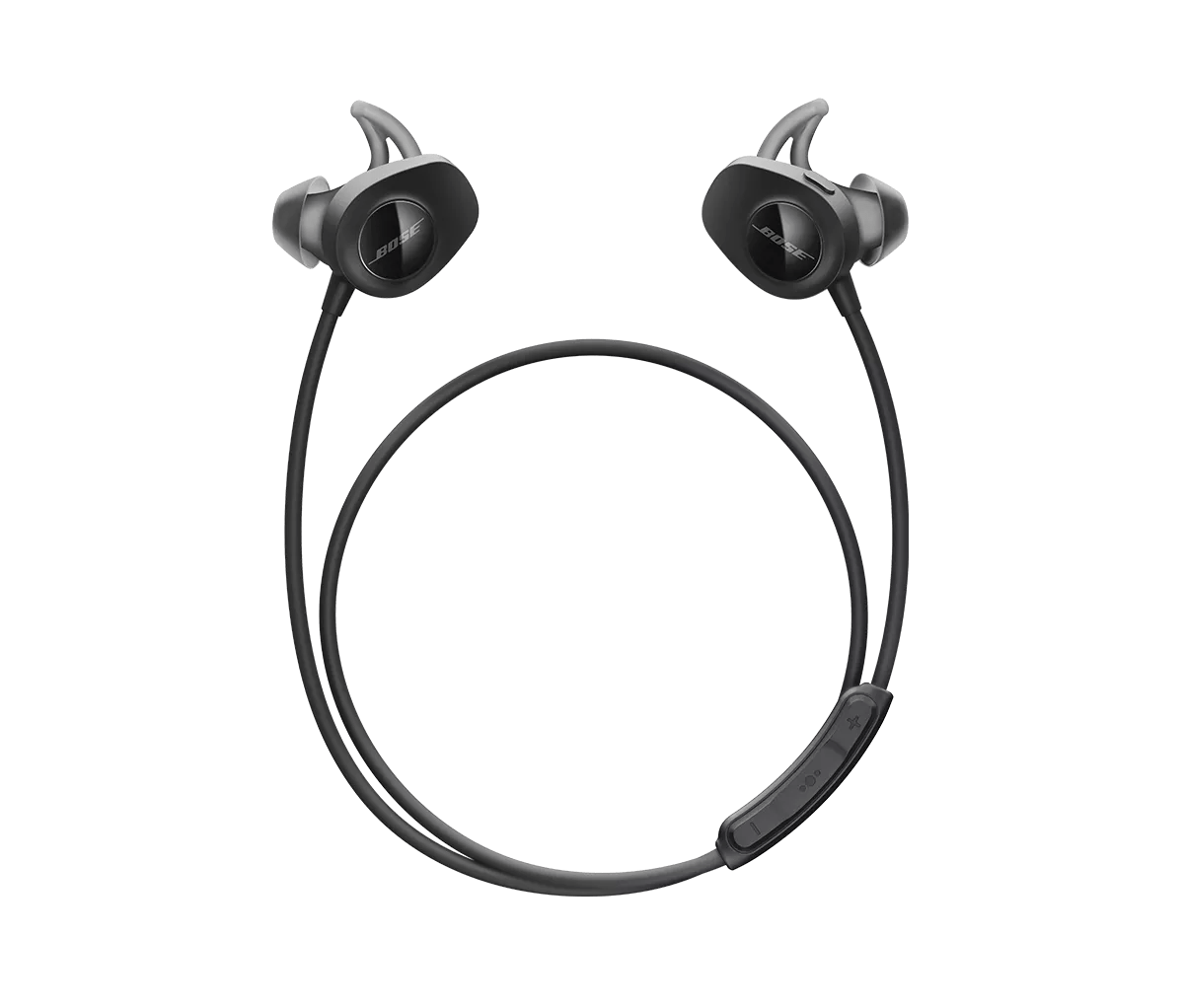
No power | SoundSport® wireless headphones
soundsport®-wireless-headphones
SoundSport® wireless headphonesSold from 2016 - 2021

No power | SoundSport® wireless headphones

Be sure the headset is powered on.

Press the Power/Bluetooth® button firmly until the power indicator glows green, yellow or red to indicate the current battery charge level.

Check if the battery is charged.

Be sure the battery is not depleted. For more info see, Checking the remaining battery charge and Charging your headphones.

Check for and install any available product updates.

On a computer, visit btu.bose.com and follow the instructions to ensure your product has the latest features and enhancements. See Checking the software or firmware version and Updating the software or firmware of your product.

Use a wall outlet USB charger to charge your headset.

Charger specifications vary. Be sure to use a UL/CE approved charger that provides 1 Amp. (Tip: Chargers that provide lower amperage (like a computer USB port) will take longer to charge your headset.)

Disconnect and reconnect the charging cable at both ends.

Unplug both ends of the USB cable then reconnect both ends to ensure they are firmly connected to the headphones and the USB power source.

Try a different USB cable.

Try connecting your product with a different USB cable to determine if there is an issue with the first cable.

Reset your product.

Much like rebooting a smartphone, your product might need to be reset on occasion to correct minor issues. For more information, see Resetting your product.