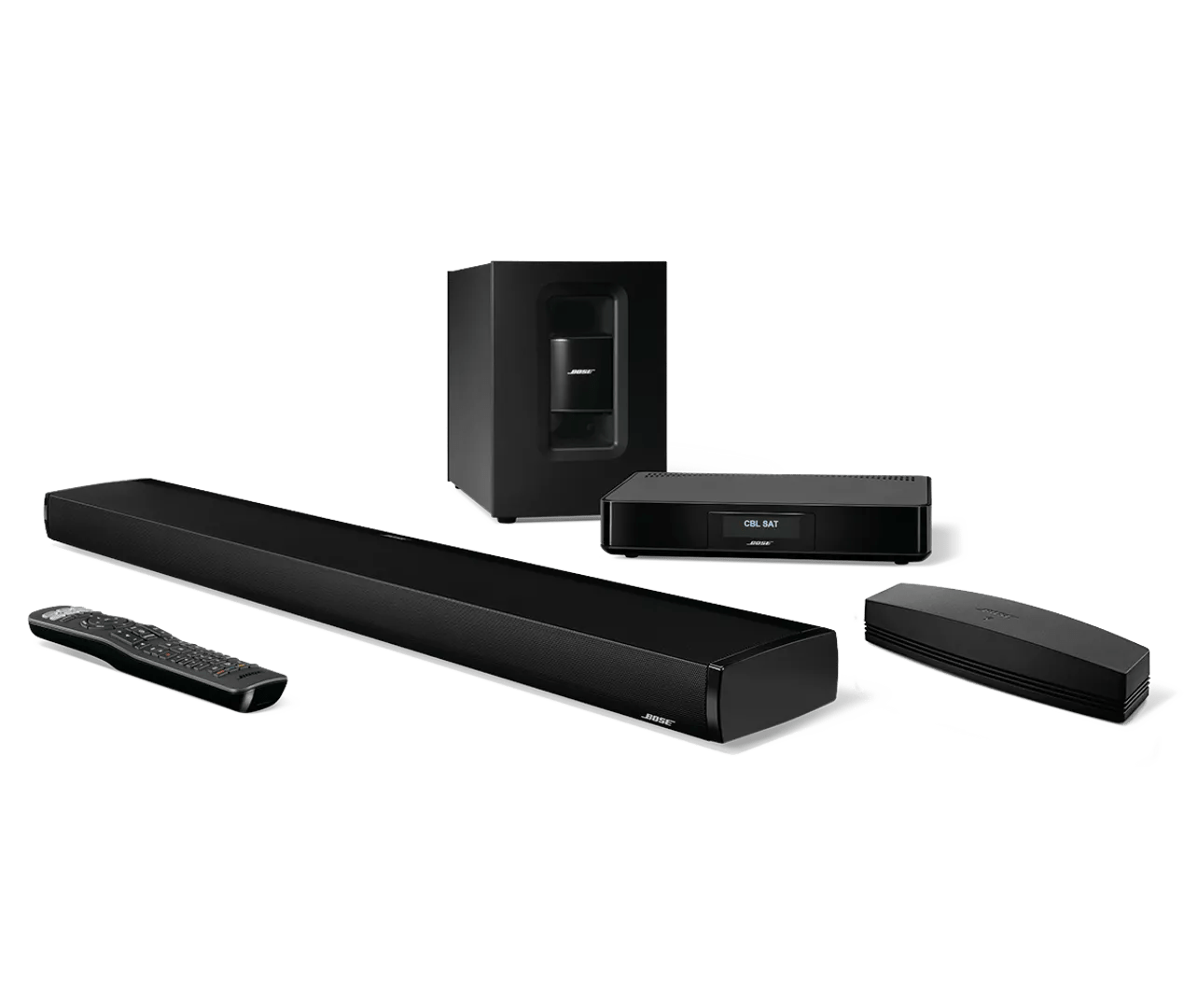
Product will not turn on | SoundTouch® 130 home theater system
Be sure the system is set up properly and all connections are secure.
Check the power connections at your product and at the power source.
Be sure the power connections to your product are secure both to the AC (mains) outlet and to your product.
Try the remote control and the controls in the SoundTouch app.
See if the remote is sending IR signal by looking at the top edge of the remote through a camera viewfinder.
*Some smartphones have IR filters on the front and/or rear cameras, which prevents them from seeing this flash. So, if you don't see a flash, try both the front and rear camera, a different camera if available, and any other troubleshooting suggestions.
Check if the remote controls other devices.
Be sure the power cord is connected to a working power outlet.
If the outlet is controlled by a wall switch, be sure the switch is on. You can also verify if the outlet works by connecting another electronic device, such as a lamp. If connected to a power strip (or surge protector), try bypassing the power strip and plug the power cord directly to a wall outlet.
