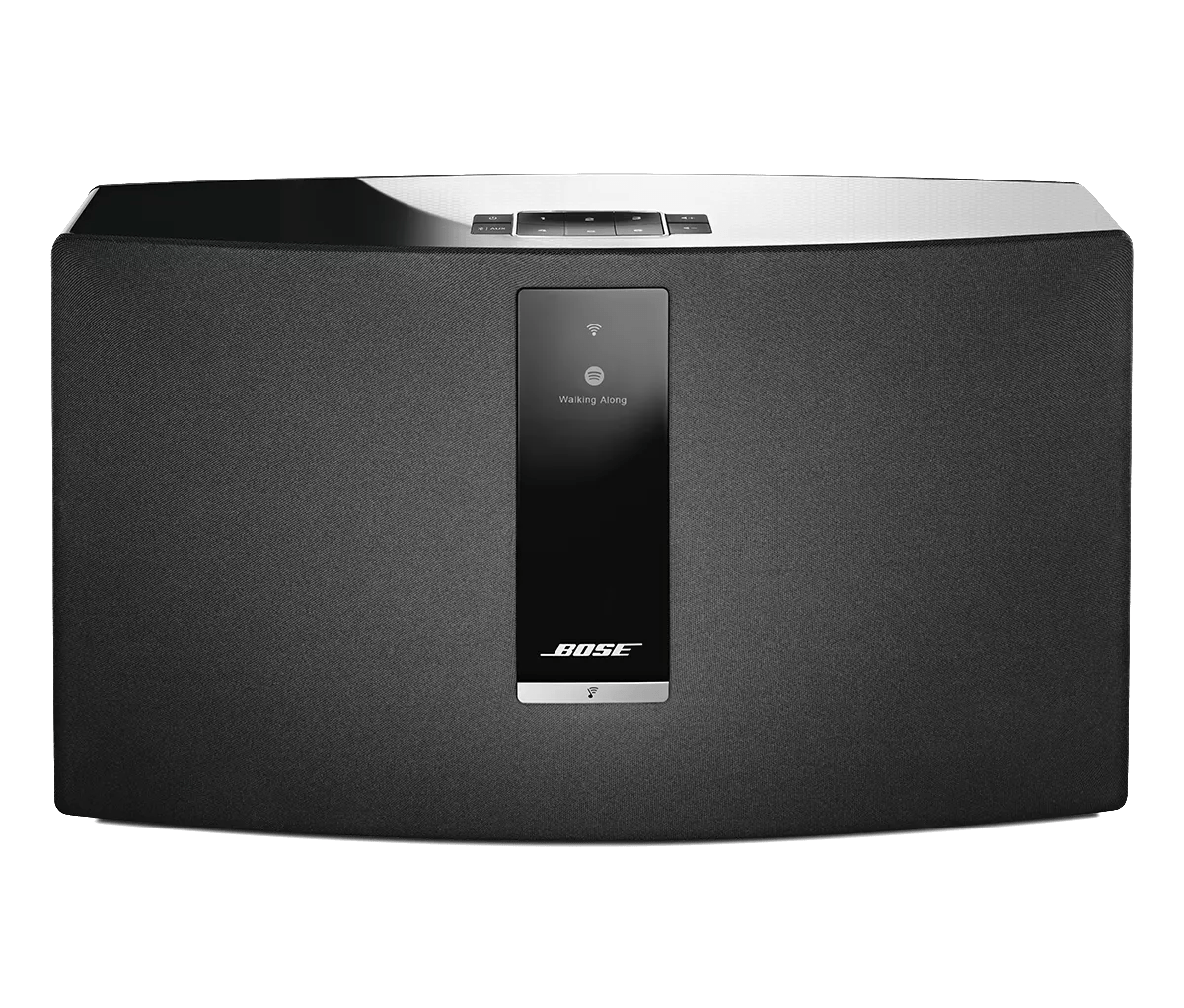
Keep your product within 33 feet (10 meters) of your personal device.
Distance and obstacles like walls, doors, or other electronics can weaken the Bluetooth signal. If you're having trouble, try moving your personal device and product closer together or relocating other devices that may cause interference.
Try moving the Bluetooth® device closer to your product.
Bluetooth range is about 33' (10 m); however, range can be reduced by interference, like walls, metal, doors or other Bluetooth devices in the area. Check if the issue is resolved when your Bluetooth device and product are in close proximity.
Reboot the Bluetooth® device.
Electronics, such as cell phones, tablets or computers, might need to be reset on occasion to correct minor issues. This is typically done by shutting down the device, then powering it on again.
Clear your Bose product memory of previously-connected Bluetooth® devices.
If connected to a Windows computer, check the power management setting for the Bluetooth® adapter.
- On the computer, click the Start menu and begin typing device manager
- Click Device Manager in the search results to open it
- Click the > next to Bluetooth to expand it
- Right-click your Bluetooth adapter and select Properties
- Click the Power Management tab and uncheck Allow the computer to turn off this device to save power
- Restart your computer and try again.
Check for sources of interference.
Electronics can pick up interference from other electronics connected to the same power circuit or connected within close proximity. Try disconnecting the power cord from any such nearby electronics (i.e. laptop/phone charger, TV, cable box, seasonal lights, microwave, etc.). If the issue is resolved, try connecting the device or your product to a different power circuit or farther away.
Connect a different Bluetooth® device.
Try another Bluetooth device to determine if the issue is related to the first device or its settings.
Reset your product.
Much like rebooting a smartphone, your product might need to be reset on occasion to correct minor issues. For more information, see
Resetting your product.