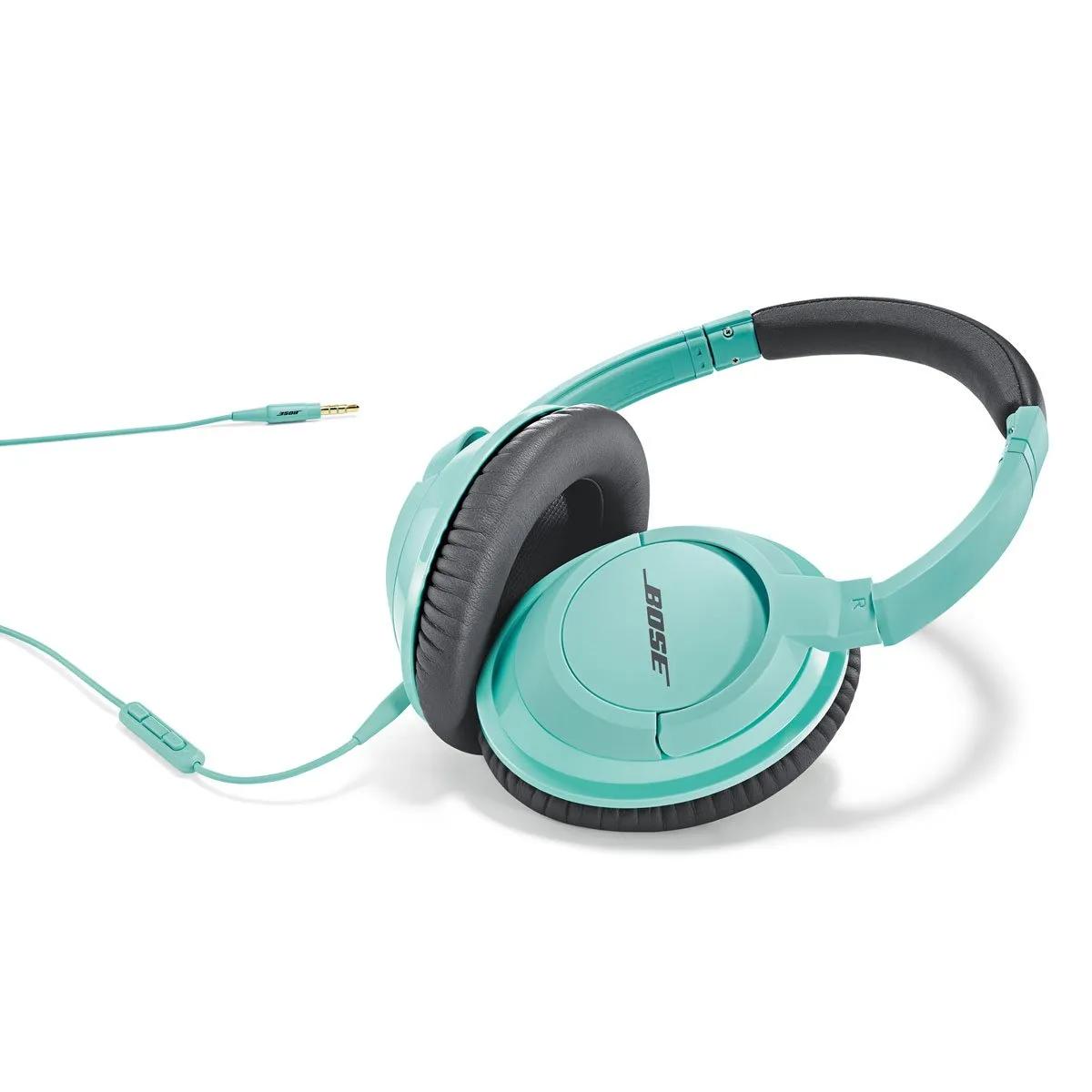


On the connected device, disconnect the cable that connects to your headset then reconnect it to be sure it is fully connected and secure. If you rotate the plug in the jack and hear crackling or intermittent sound, there might be debris inside the jack or on the headphone plug.
If the plug or any part of the cable is damaged, replace the headphone cable.

