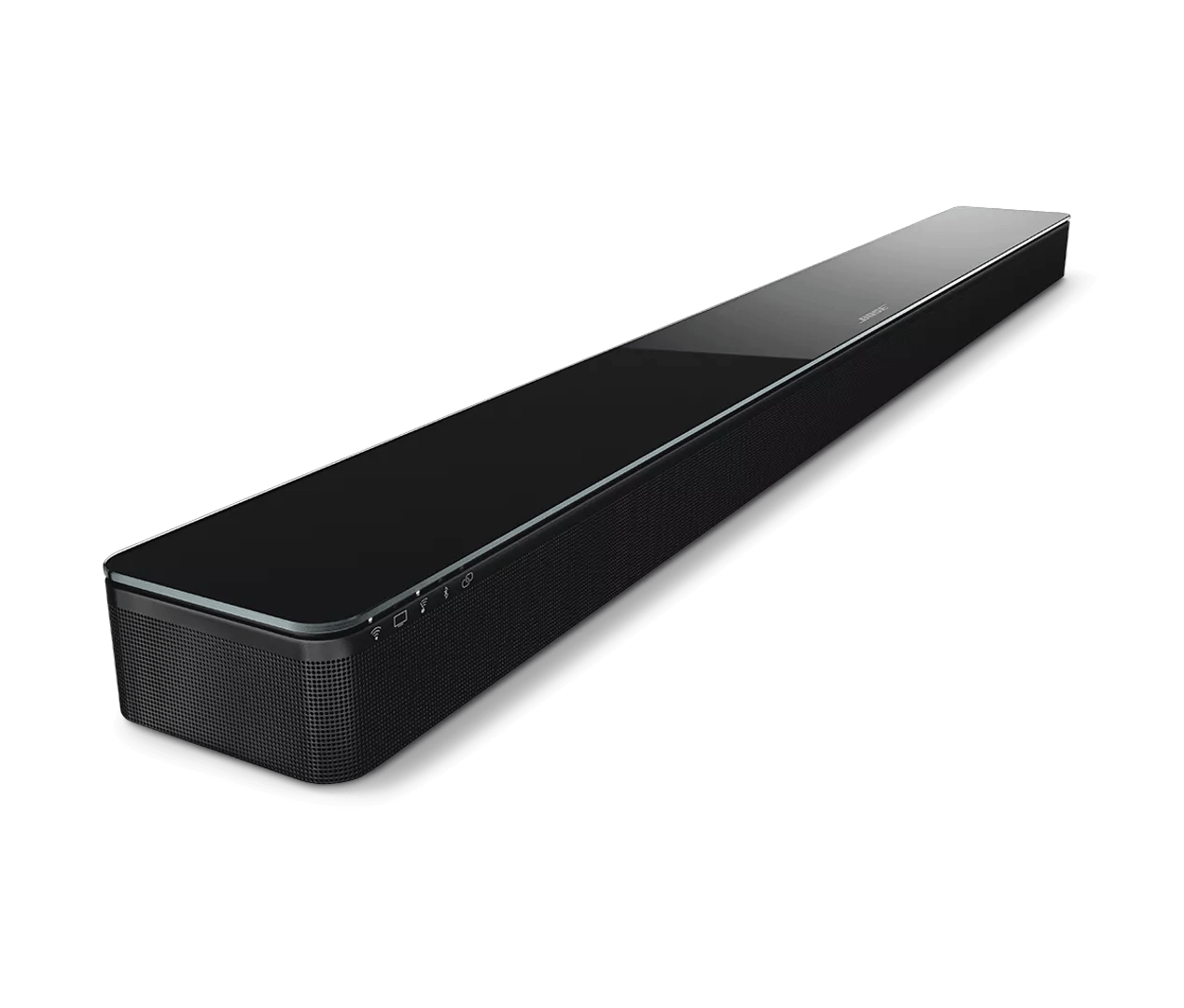
Computer does not detect a Bose product connected via USB | SoundTouch® 300 soundbar
soundtouch®-300-soundbar
SoundTouch® 300 soundbarSold from 2016 - 2020

Computer does not detect a Bose product connected via USB | SoundTouch® 300 soundbar

If your computer does not detect your Bose product:

Try the following:

Be sure the system is able to turn on.

Try turning on the system using its remote control. If system fails to power on, see Product will not turn on.

Close and re-open the SoundTouch App, check Wi-Fi indicator status and restart the set up.

Restarting the app may resolve connection and operation issues. Close the application and disconnect the system from the computer. Open the SoundTouch app again and follow the instructions.

If the Wi-Fi indicator is white and not blinking (indicating it has joined a network), choose "IT IS ALREADY CONNECTED" option on the connection selection screen.

Reboot the computer.

Reboot your computer by powering it off completely and then powering it back on again. This can help to resolve minor processing issues with the computer.

Disconnect and reconnect the USB cable at each end.

Disconnecting and reconnecting the USB cable that connects the system to the computer can re-establish a successful connection. Be sure the cable is secure at both ends.

If you are unable to connect to Wi-Fi using the Bose app, try an alternate connection method.

If your product cannot connect to your network using the normal setup method in the Bose app, try an alternate method. For more info, see Connecting to a Wi-Fi network.

Try downloading the app to a different computer.

If you are able to download and run the app on another computer as expected, the issue is related to the first computer.