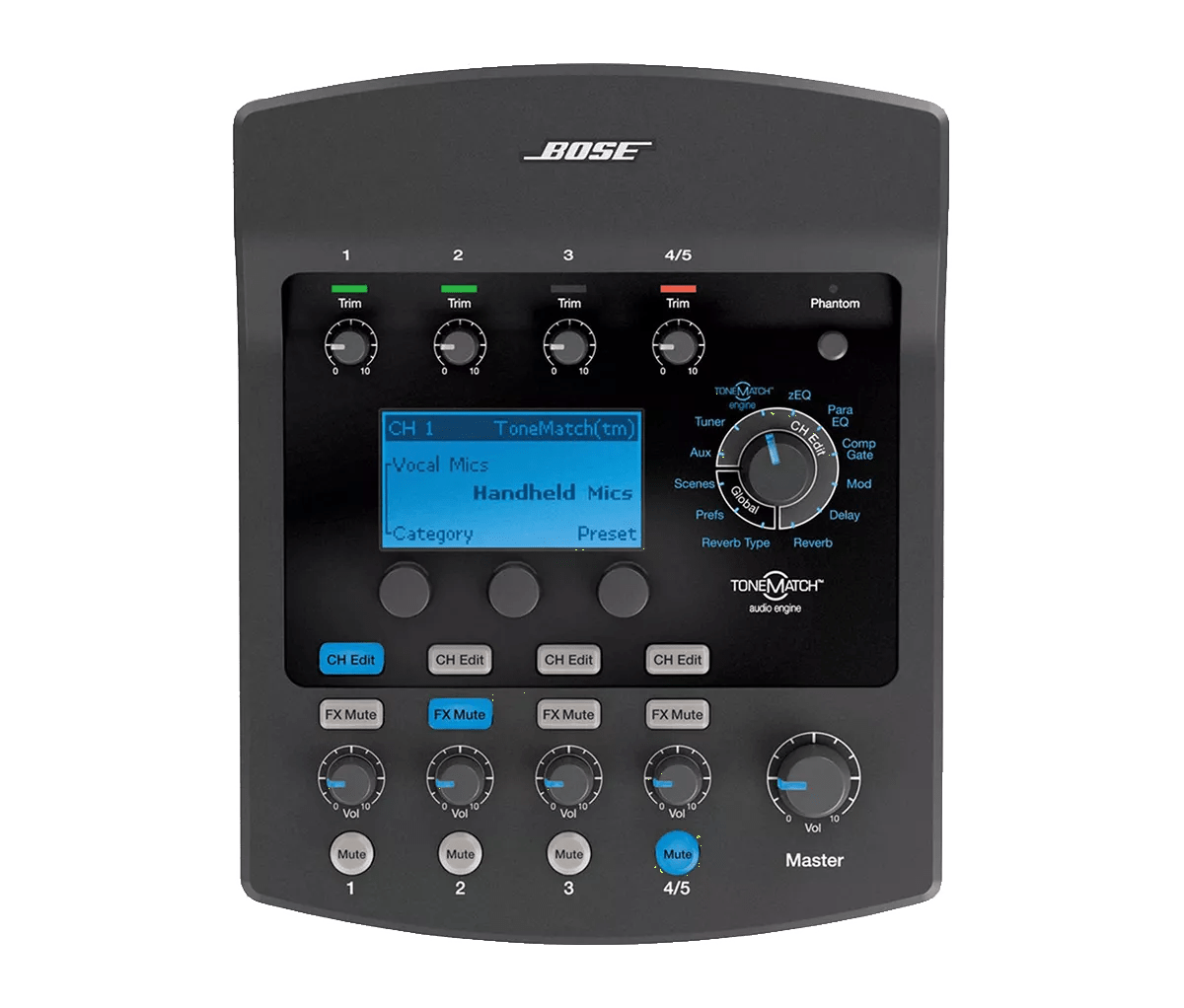


Much like rebooting a smartphone, your product might need to be reset on occasion to correct minor issues. For more information, see Resetting your product.
In the mixer menu, route audio to the AUX output jacks. For more info, see Assigning inputs to the Aux output. Connect the AUX jacks to your powered speaker and check it sound is heard as expected. If so, the mixer may need to be serviced.

