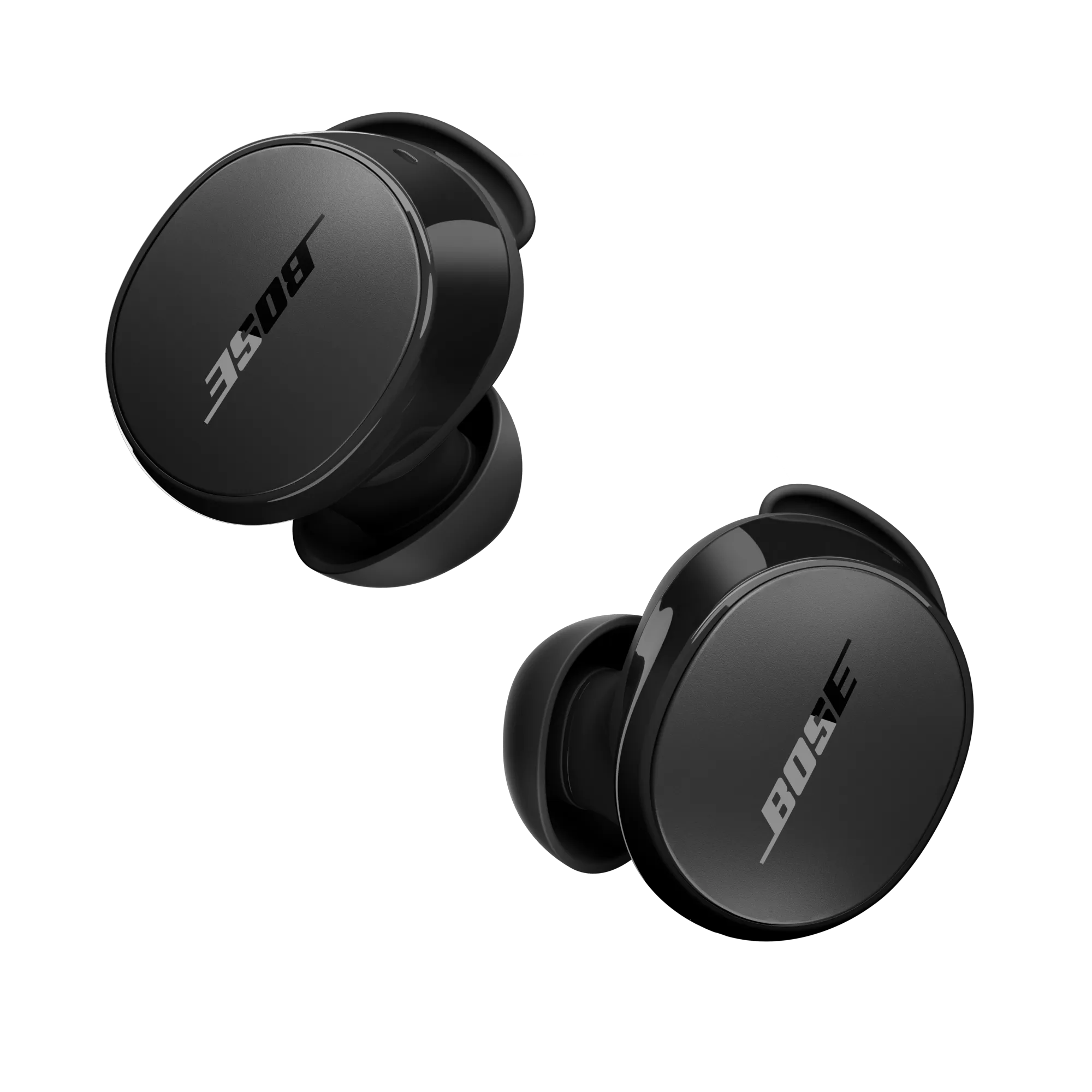
Too little bass or too much treble from product | Bose QuietComfort Earbuds
bose-quietcomfort-earbuds
Bose QuietComfort EarbudsSold from 2024

Too little bass or too much treble from product | Bose QuietComfort Earbuds

Check the equalizer settings in the Bose app.

Be sure the bass and treble adjustments are not set too high or too low for your preferences. For more info, see Using the Equalizer settings.

Adjust bass and treble controls on the source.

Sound quality may suffer if bass and treble controls are set to extreme levels. Try adjusting the controls to mid-range levels; this may improve sound quality. Be sure to turn off both audio enhancements and special equalizer settings found on the source

Try a different app.

If the issue only occurs with a particular app, it is likely related to the app or app settings.

Be sure the openings on your headphones are clean and free of debris.

Check if anything is blocking any openings on your headphones, ear tips or the mesh grilles under the ear tips (i.e. ear wax, dust or other debris). For more info, see Storing and cleaning your product.

Reset your product.

Much like rebooting a smartphone, your product might need to be reset on occasion to correct minor issues. For more information, see Resetting your product.
