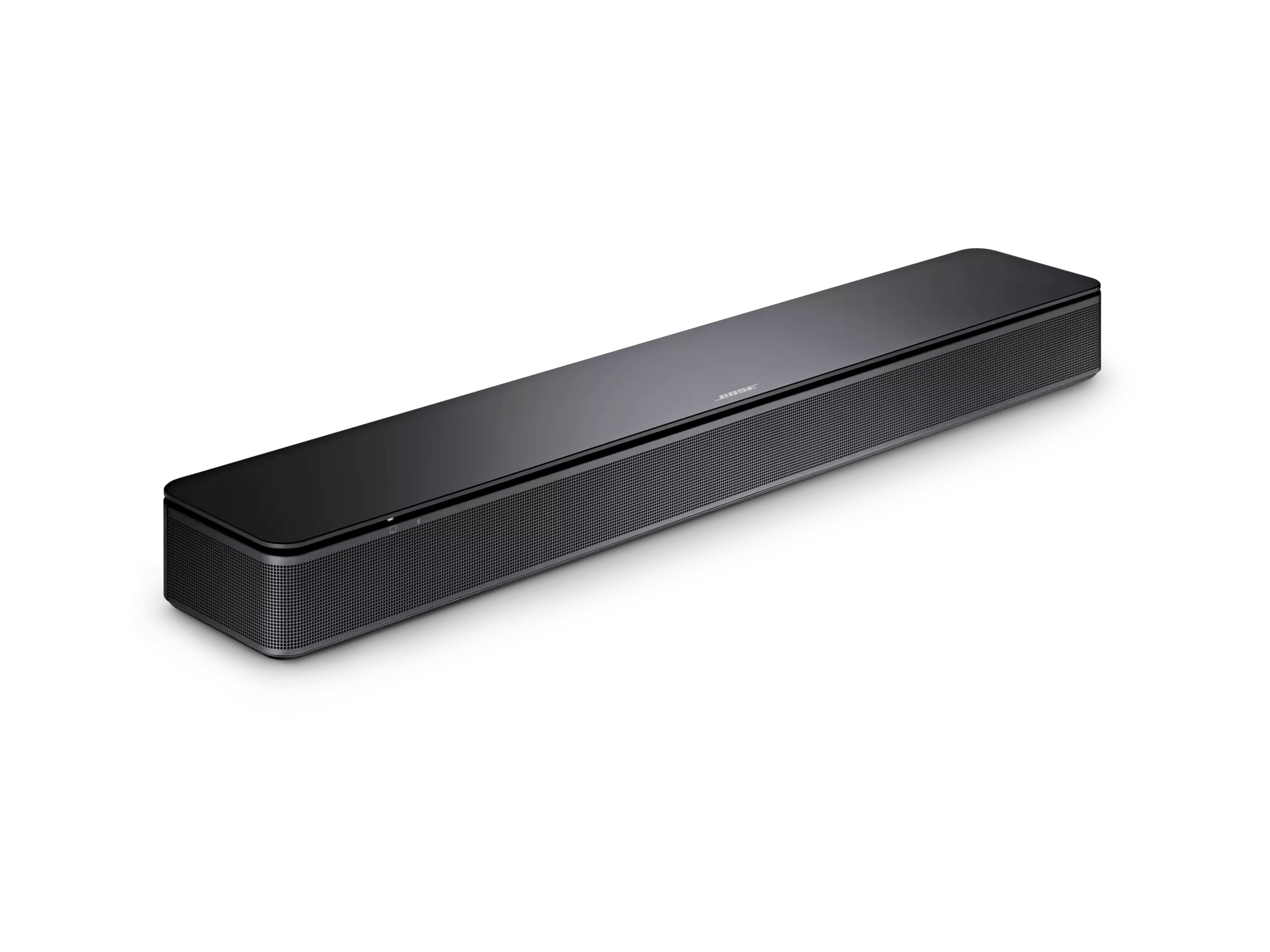


When you select the Bluetooth source on your speaker, it tries to auto-select the last connected Bluetooth device. If that device is not available and you've connected other devices, there might be a short delay while it looks for those other devices in order of last connected.
To connect a different device, hold the Bluetooth button on your remote for a couple seconds until the Bluetooth light slowly blinks. This puts your speaker in Discoverable mode. Now, select your speaker from the Bluetooth menu of the device you want to connect. For more help, see Connecting a Bluetooth device.

