Was this helpful?
No audio in one ear | Bose Ultra Open Earbuds (2nd Gen)
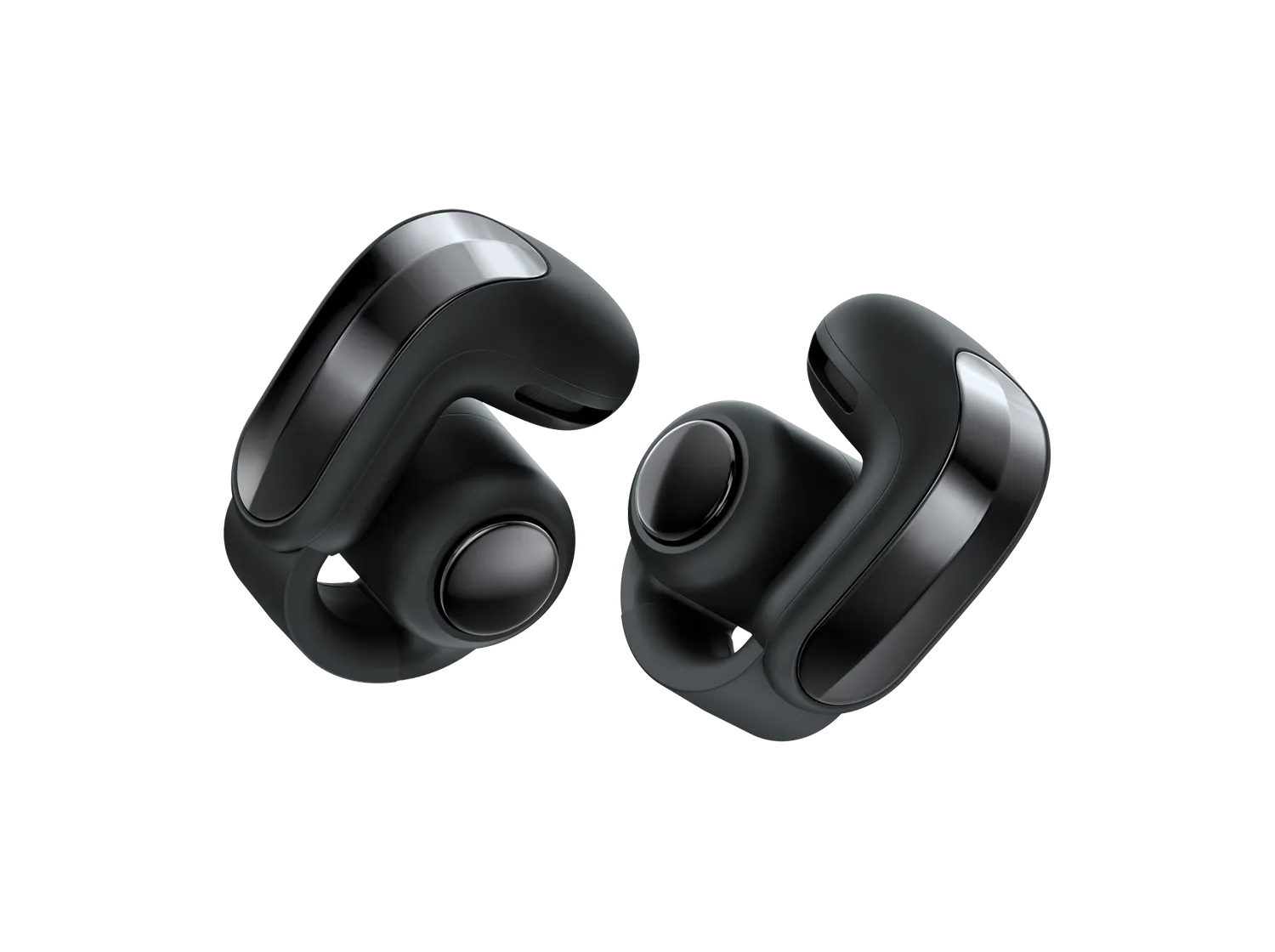
Be sure you're wearing the earbuds correctly.
Resync the earbud connection.
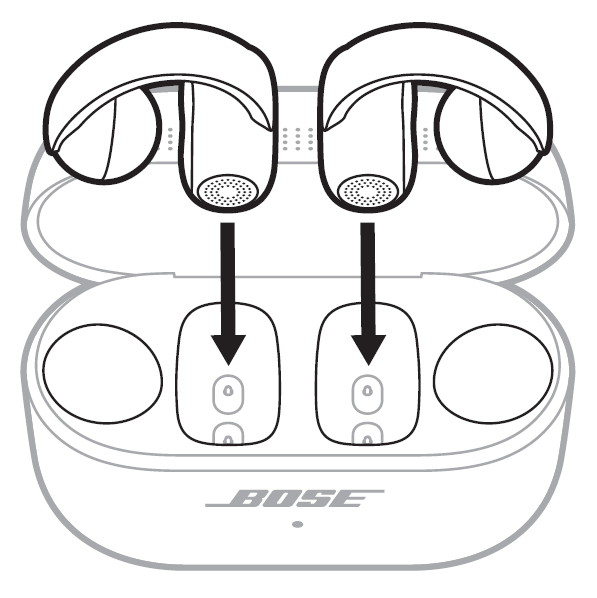
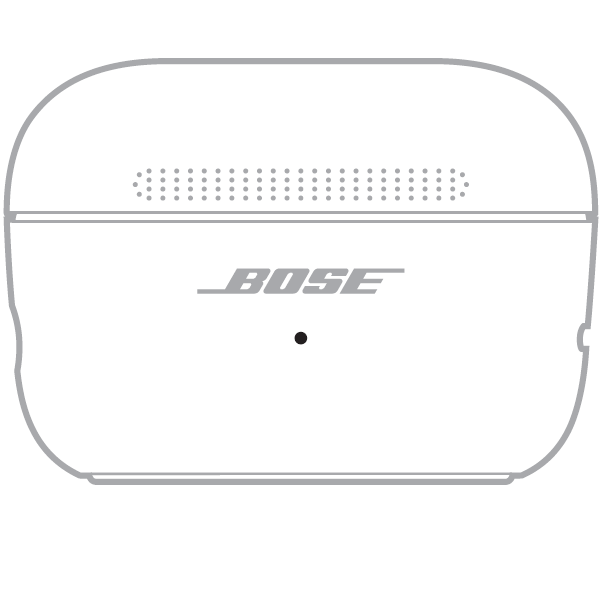
- If only one of the two earbuds is not working, place it into the charging case first. Keep the lid open. The status light on the front of the case should illuminate. If it does not, the earbud may be out of charge and may not be contacting the charging pins in the case. Be sure the two charging pins inside the case are protruding upward. Once the earbud status light inside the case illuminates, place the other earbud in the case.


- Close the lid on the case.
- When the status light on the front of the case stops glowing, open the lid, remove just the right earbud, and place it into your right ear.
The welcome tone will play with a few seconds after being removed from the case. The connection chime will play if a recently connected device is in range. - Place the left earbud in your ear. Once the welcome tone plays in the left earbud, you can continue using your earbuds.
Reset your product.
Much like rebooting a smartphone, your product might need to be reset on occasion to correct minor issues. For more information, see Resetting your product.
Reboot your personal device.
Restart your device (smartphone, tablet, or computer) by turning it off for 30 seconds and then turning it back on to fix any temporary Bluetooth or audio issues.
Try connecting a different Bluetooth device.
If your earbuds connect to another Bluetooth device, it suggests that their Bluetooth is working properly. The issue may be with the first device or its settings.
