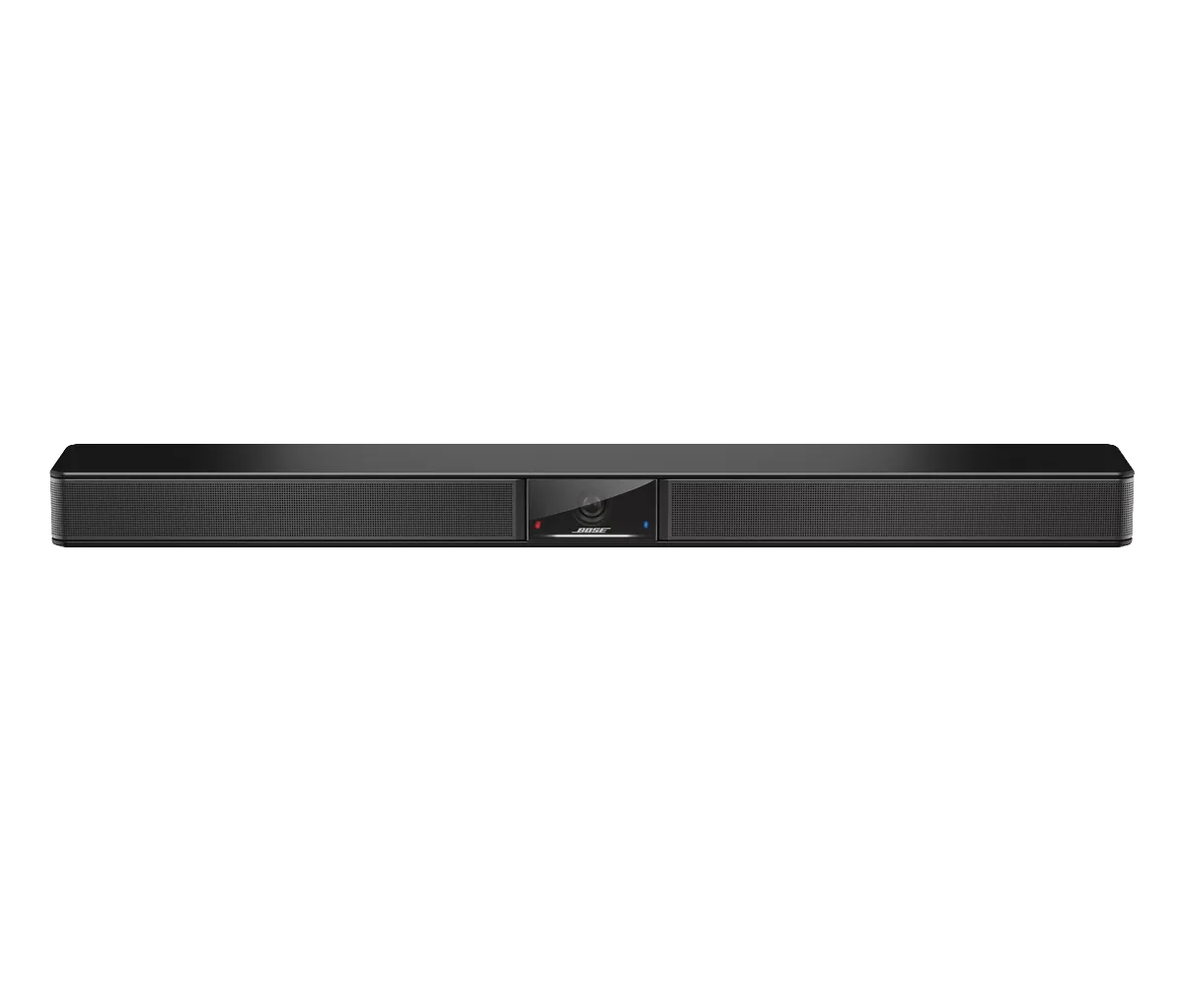


| Appearance | Activity | System State |
|---|---|---|
| The center of the light bar is white. | VB1 is powered on. No active meeting. Camera is off. | |
| The entire light bar is white. | Meeting is active. Camera is off. | |
| The center of the light bar is green and the rest is white. | Meeting is active. Camera is on. Auto-framing is disabled. | |
| A large center section of the light bar is green and the rest is white. | Meeting is active. Camera is on. Auto-framing is enabled. | |
| The center of the light bar is green. | No active meeting. Camera is on. | |
| The leftmost light on the light bar blinks once. | A decrease volume level command has been received. | |
| The rightmost light on the light bar blinks once. | An increase volume level command has been received. | |
| A small section of lights on the left end of the light bar blinks once. | The lowest volume level has been reached. | |
| A small section of lights on the right end of the light bar blinks once. | The highest volume level has been reached. | |
| A small section of lights in the center of the light bar is blinking white rapidly. | The VB1 is searching for a Wi‑Fi network. | |
| A small section of lights in the center of the light bar pulses white once and then fades off. | The VB1 has connected to a Wi‑Fi network or has detected a new audio source connected to its USB port or Audio In jack. | |
| The center of the light bar is red. | The VB1 is not functioning properly due to a firmware issue. | |
| The center of the light bar is orange. | The VB1 is not functioning properly due to a connection issue. Make sure the VB1 is connected to a network. Refer to either the Videobar Configuration app or Videobar Administration app to do this. If the network configuration is correct but the issue is not resolved. the videobar may need service. | |
| White lights in the light bar move repeatedly from right to left and then from left to right. | The VB1 is downloading and installing a firmware update. Do not disconnect the VB1 from its power outlet or network. When the update is complete, the light bar will stop moving, and the VB1 will play an audio tone. | |
| A small section of lights in the center of the light bar pulses white repeatedly. The lights then move outward from the center until the whole light bar is lit solid white. The lights then fade out. | The VB1 is restarting after restoring its factory default settings. | |
| A small section of lights in the center of the light bar pulses purple repeatedly. | The VB1 has received an "Identify Device" message from the Videobar Administration app. |

