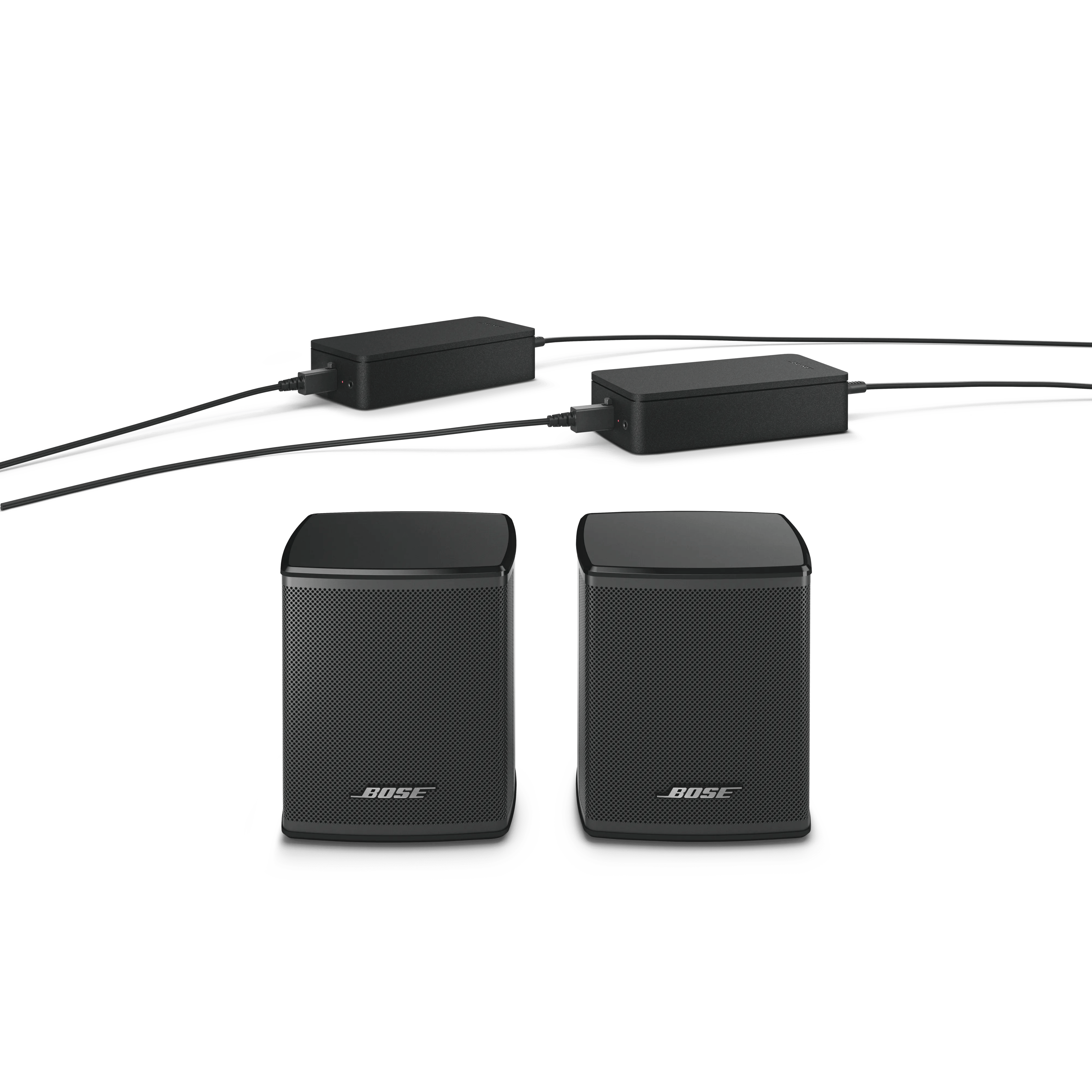


Much like rebooting a smartphone, your product might need to be reset on occasion to correct minor issues. For more information, see Resetting your product.
Since this accessory only works when connected to a host product (i.e. soundbar or home theater console), and the required steps can vary by product, refer to help content for your host product by selecting "Not your product?" above.

