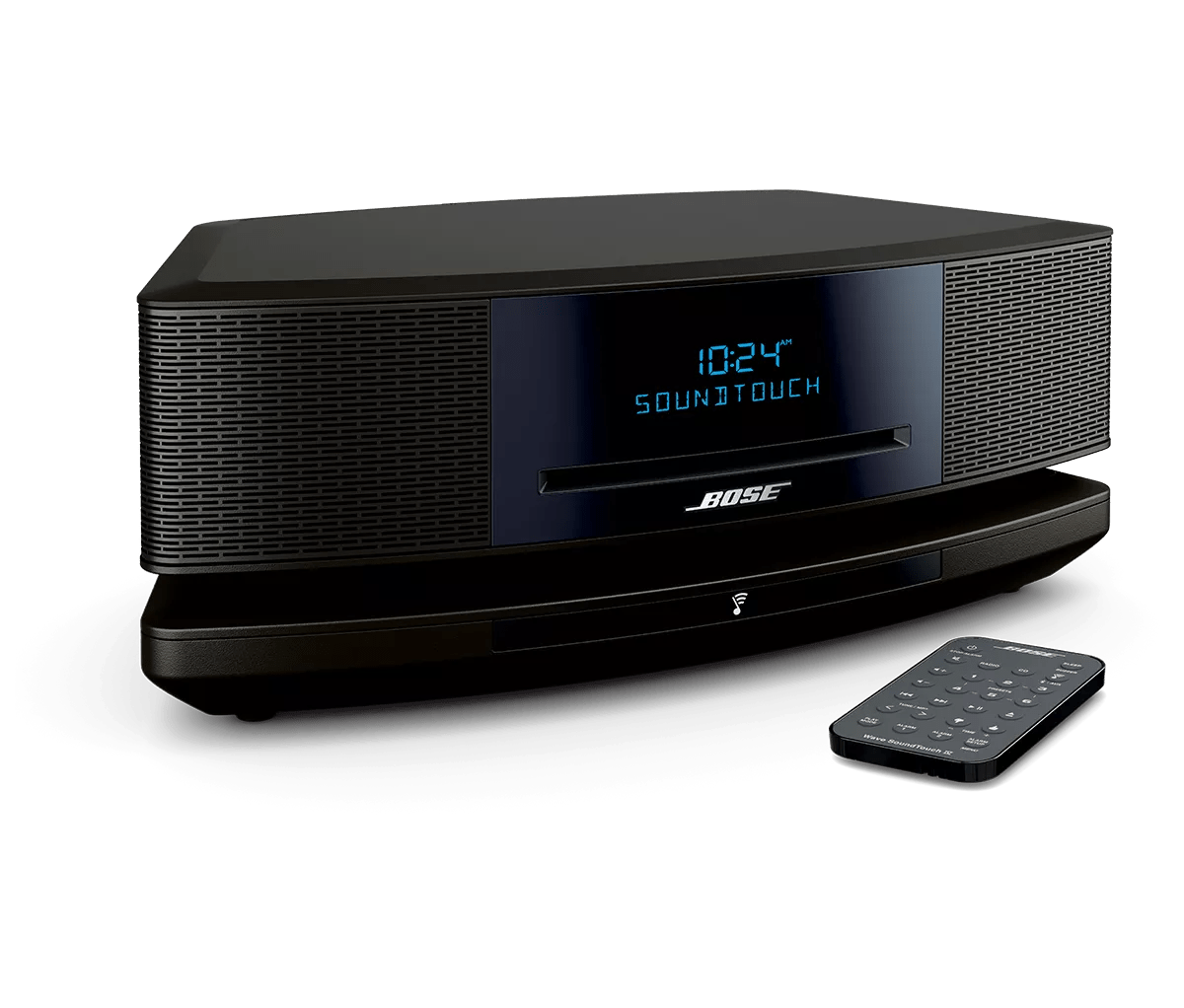
Clear your Bose product memory of previously-connected Bluetooth® devices.
On the Bluetooth® device, remove all entries of your Bose product from the Bluetooth menu. Then, try connecting again.
In the Bluetooth menu of the Bluetooth device, you'll find a list of Bluetooth products that have been previously connected. Your Bose product might show up one or more times in the list (i.e. it might be listed a second time with \"LE\" in the name). Select each entry for your product and remove it by selecting
Forget,
Unpair,
Delete or something similar. After, try connecting again. For more info, see
Connecting a Bluetooth® device.
Try a different app.
If the issue only occurs with a particular app, it is likely related to the app or app settings.
Reset your product.
Much like rebooting a smartphone, your product might need to be reset on occasion to correct minor issues. For more information, see
Resetting your product.
Disconnect and reconnect the USB cable at both ends.
Re-establish a connection to the computer by disconnecting and securely reconnecting the USB cable between the computer and your product.
Replace the cables used to connect your product
Try replacing the cables that connect your product. If no issue is heard with new cables, the first set of cables is the issue.
Check for sources of wireless interference.
It's possible that interference from other wireless devices are affecting the wireless functionality of your product. Check for other wireless devices in the area of your product (i.e. another router, cordless phone, wireless printer, smart TV, etc.). To determine if a device might be interfering, try unplugging its power cord or disabling Wi-Fi on the device. If the issue is resolved when a particular device is removed, try placing that device farther away from your product, if possible. Additionally, if the device has a wireless channel setting, try a different channel.