Was this helpful?
Resetting your product | Bose QuietComfort Headphones (2nd Gen)
Reset your headphones
If the headphones are unresponsive, you can reset them. Resetting the headphones resets the product controls and reboots the headphones. It doesn’t clear any device settings.
Remove the headphones from the Bluetooth list on your device.
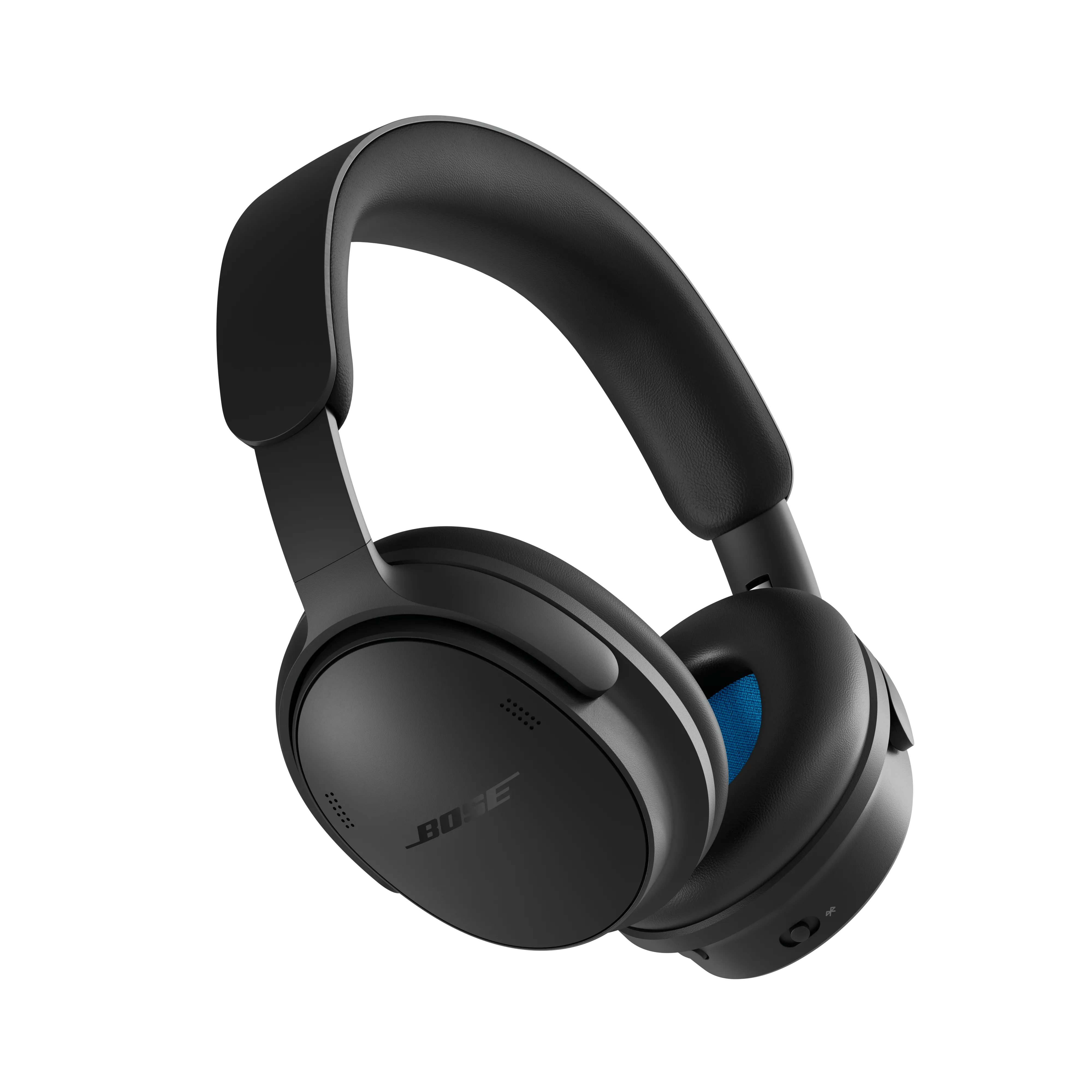
- Connect the USB-C cable to the USB-C port on the right earcup.
- Slide the Bluetooth/Power switch forward and hold while connecting the other end of the USB-C cable to a USB-C power source such as a computer or wall charger.
- Once the USB-C cable is connected to a USB-C power source, release the Bluetooth/Power button. When the reset is complete, the status light blinks white for 3 seconds, then glows according to the current charge level (see Understanding LED indicator status lights and information)
Advanced Troubleshooting
If the standard reset does not resolve your issue, try the Factory Reset/Default
Restore the headphones to factory settings
- Remove the headphones from the Bluetooth list on your device.
- Remove the headphones from your Bose account using the Bose app
.
- Slide the Power/Bluetooth switch to the right and hold. At the same time, press and hold the Action button for 30 seconds. The status light blinks white. After 30 seconds, the status light blinks amber to indicate factory settings are being restored (2 to 3 seconds). When the reset is complete, the status light slowly blinks blue. The headphones are now in their original out-of-box state.